
7 STL Examples for 3D Printing: Geometry and Uses
Why does a 3D model that looks watertight and smooth in a web preview fail three hours into a real print? Most makers hunt for STL examples by scrolling through pretty renders, only to discover thin walls, broken edges, or missing scale data after loading the mesh into a slicer.
That gap comes straight from how the format works. According to the Library of Congress STL format description, Charles Hull co-founded 3D Systems in 1986 and introduced the first commercial stereolithography printer, the SLA-1, in 1987, creating STL to translate CAD surfaces into simple triangular facets. Available in readable ASCII or compact binary encodings, STL stores raw exterior geometry without native materials, colors, textures, or design history.
Because the file itself carries zero manufacturing guarantees, where you source your mesh matters just as much as how you slice it. Below are seven distinct sources of STL examples, ranging from multi-engine AI studios and general maker libraries to miniature storefronts and image-to-relief galleries. Each one brings different trade-offs in mesh topology, print readiness, and real-world use.
Table of Contents
- 1. Sculpty
- 2. Printables
- 3. MakerWorld
- 4. Thingiverse
- 5. MyMiniFactory
- 6. Cults3D
- 7. Embossify Gallery
- STL Source Comparison
- Turn These STL Examples Into Your Next Print
1. Sculpty
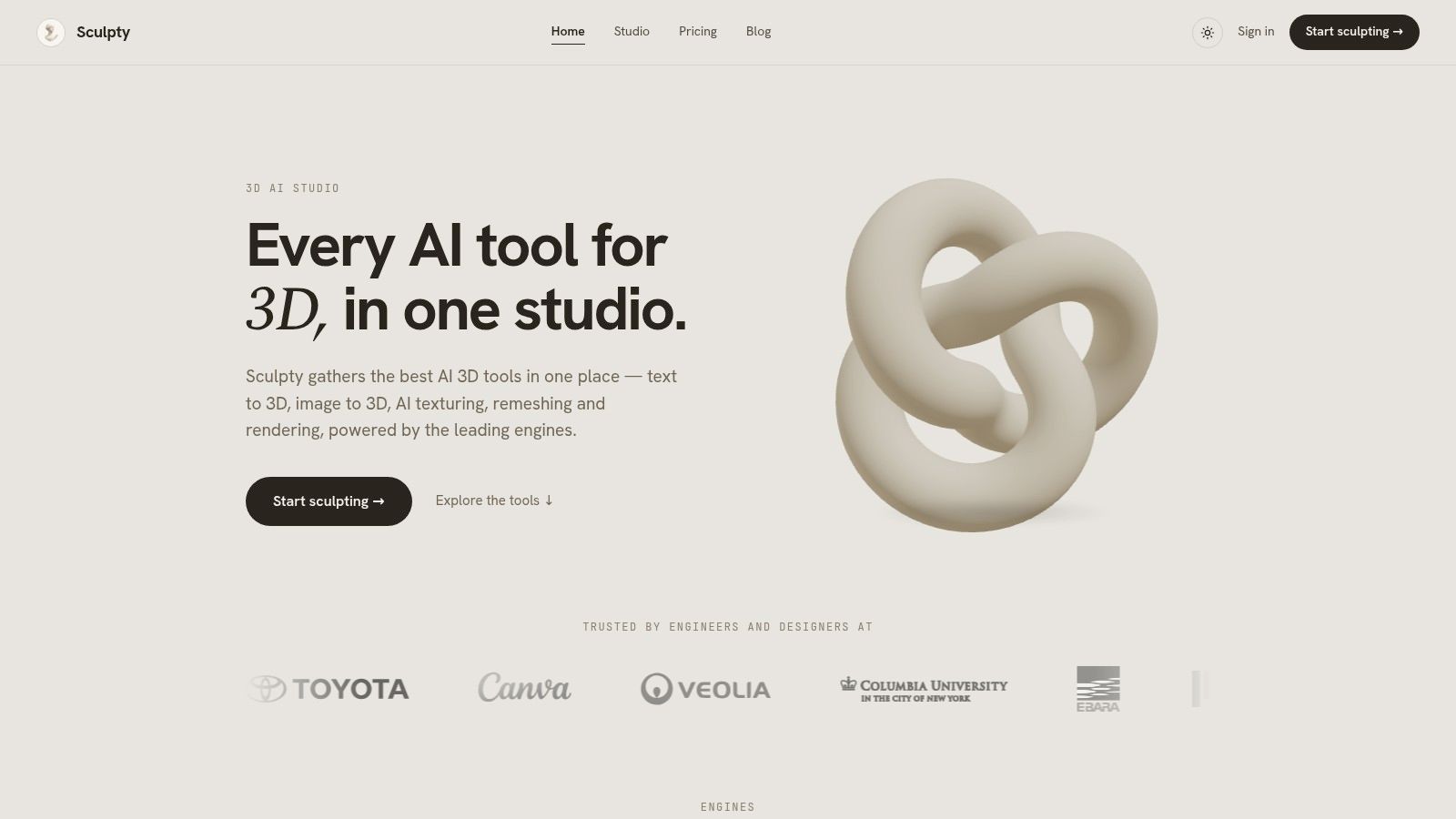
When existing model libraries don't have the exact bracket, mascot, or tabletop prop you need, generating custom geometry beats spending hours kitbashing old files. Sculpty is a browser-based 3D AI studio that routes your prompts to multiple leading generation engines, including Meshy, Hunyuan 3D, Rodin, Tripo, and TRELLIS 2, inside a single workspace.
You can inspect how Sculpty organizes generation, viewing, and format conversion tools directly inside the browser.
Instead of juggling five separate subscriptions, you pick the engine that best matches your job for text-to-3D, single-image, or multi-view modeling. From there, you refine the asset with prompt-driven PBR texturing, 4K staging renders, and 360° turntable exports, all saved in a private web gallery. For fabrication workflows, Sculpty also includes free in-browser STL viewers for binary and ASCII meshes plus a local GLB-to-STL converter that preps files directly for your slicer.
Geometry Control and Multi-Engine Output
AI-generated meshes can easily bloat or fracture if you export them raw. As a University of Minnesota technical analysis of STL meshes explains, a binary STL starts with an 80-byte header and a 4-byte triangle count, followed by 50 bytes per triangle (12 floating-point values for one normal vector and three vertices, plus a 2-byte attribute field). A mesh with 100,000 triangles takes roughly 5,000,004 bytes before custom header handling, and because STL stores no explicit topological connectivity, duplicate vertices or unsealed edges will choke a slicer.
Sculpty tackles that problem before export with one-click remeshing and retopology, letting you tighten triangle density and check manifold structure before downloading STL, 3MF, GLB, OBJ, FBX, or USDZ.
- Unified multi-engine workflow: Switching between Meshy, Rodin, or TRELLIS 2 under one credit balance lets you compare mesh fidelity on tricky organic shapes without managing separate logins.
- Zero local installation: Everything runs in a JavaScript-enabled browser, and your first model is free so you can test output topology before committing.
- Commercial readiness with clear caveats: Paid monthly and annual plans grant commercial usage rights, include immediate cancellation, and offer priority queues on higher tiers, though you'll need to check the platform directly for current plan prices and credit allocations.
- Manual review still required: Raw AI outputs vary from engine to engine, so always run a quick manifold and overhang inspection before committing filament or resin.
Treat AI generation as a rapid first draft for printable geometry. Run remeshing inside the studio, inspect the watertight shell in the browser viewer, and verify wall thickness in your slicer before hitting print.
2. Printables
Say you need a heavy-duty desk organizer, a cable clip, or a functional calibration block that works on the first try. Printables is one of the strongest general-purpose libraries for finding practical, community-vetted STL examples across household tools, toys, educational aids, and decorative builds.
What makes Printables helpful to a practitioner isn't just its clean category filtering and tag search. It's the community makes and comment threads attached to individual model pages. Seeing real photos of printed parts in PLA or PETG tells you immediately whether thin bridges sag, whether snap-fit clips flex, and which layer height other makers trusted. If you want a deeper breakdown of how these files translate into printer toolpaths, check out this guide on preparing an STL file for 3D printing.
Evaluating Community Geometry Before Slicing
Even a popular listing with dozens of likes can hide dimensional headaches if you trust the preview blindly. In a University of Strathclyde dimensional-accuracy case study, researchers converted CAD benchmark models into STL files and ran them through a MakerBot Replicator 2X material-extrusion workflow, validating physical accuracy with coordinate-measuring-machine measurements rather than visual checks. Their results highlight why interlocking features matter so much: tiny geometric deviations compound quickly at mating surfaces.
When pulling functional files from Printables, keep these practical realities in mind:
- Strong everyday variety: Listings range from five-minute tolerance tests to multi-plate organizers, often accompanied by original CAD or STEP files alongside STLs.
- Useful community feedback: Creator build notes and user print photos reveal real support needs, material shrinkage quirks, and recommended bed orientation.
- Uneven creator documentation: Upload quality still depends entirely on the individual designer, so you may need to reorient parts, repair inverted normals, or scale clearances inside your slicer.
- Mixed licensing rules: Reuse and commercial permissions vary from page to page, meaning you must check the attached license before selling or remixing a design.
3. MakerWorld
Traditional repositories hand you a bare mesh and leave every speed, infill, and support decision on your shoulders. MakerWorld flips that approach by tying model listings closely to Bambu Lab's printing ecosystem, pairing downloadable geometry with printer-specific print profiles.
Here is a look at how MakerWorld structures its model catalog and profile-driven project pages.
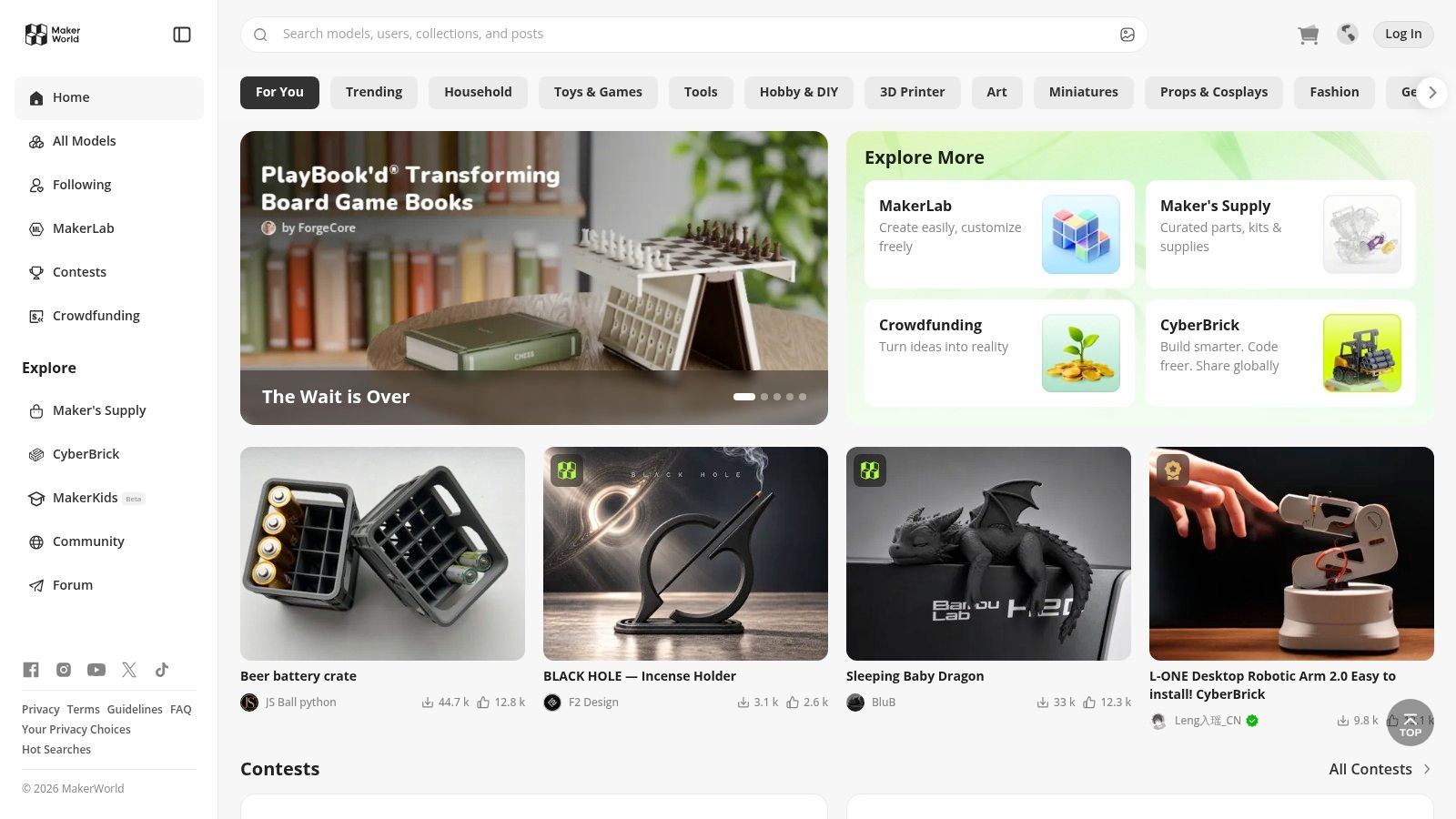
Browse its catalog and you'll find practical household accessories, articulated toys, multi-color desk gadgets, and functional brackets. Many pages feature multiple community-submitted profiles tuned for specific nozzles, build plates, or filament combinations. For owners of compatible machines, that setup trims away tedious slicer trial and error.
Raw STLs Versus Printer-Specific Profiles
MakerWorld also exposes an important shift in modern 3D printing formats. As noted in the 3Dmag STL file standard guide, STL stores coordinates with no standard unit or scale field, which can trigger a 25.4× dimensional error when a file moves between millimeter and inch workflows. By contrast, 3MF carries units, multi-part metadata, colors, and print settings in one archive, and it recently gained international-standard recognition as ISO/IEC 25422:2025.
Slicer check: Whenever you grab a raw STL instead of a packaged 3MF profile, verify the bounding-box dimensions in millimeters immediately after import. If a phone stand loads at 3 millimeters tall instead of 76, you just caught a unit mismatch before wasting filament.
That split creates clear trade-offs on MakerWorld. Prepared profiles dramatically cut prep time on compatible printers and show exactly how the creator intended the part to sit on the build plate. However, some listings emphasize Bambu-specific profiles over clean standalone STLs, and profile settings like cooling curves or support distances rarely transfer cleanly to third-party slicers or non-Bambu hardware. Always check the raw file download dropdown first if you run a Prusa, Creality, or Snapmaker machine.
4. Thingiverse
Every veteran maker eventually lands back on Thingiverse. As one of the longest-running repositories of user-uploaded 3D designs, its back catalog holds obscure appliance replacement knobs, vintage camera mounts, and niche hardware adapters you won't find on newer platforms.
The archive layout makes it straightforward to browse older community uploads, remixes, and variations across thousands of categories.
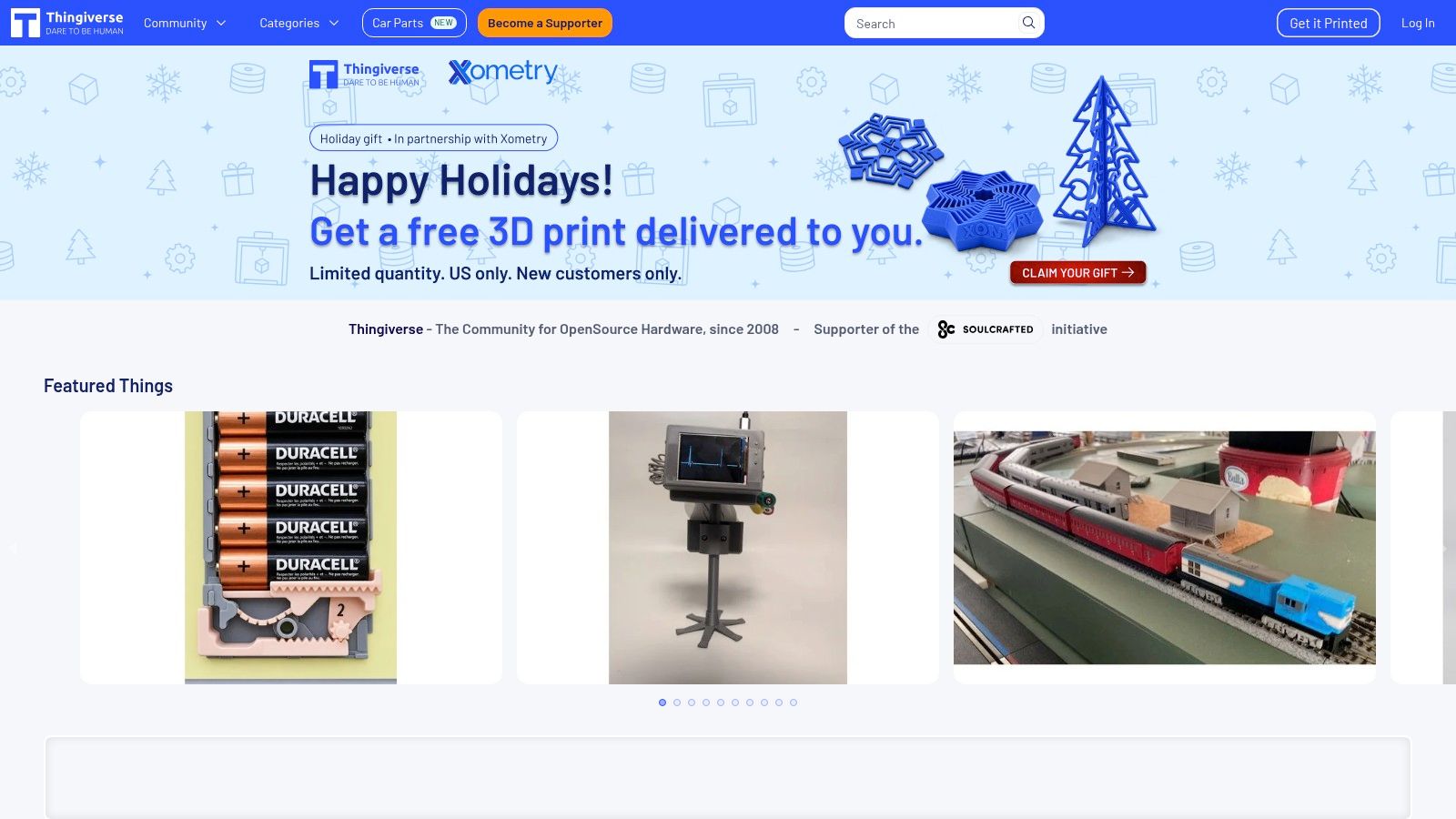
Because the platform has hosted free files for years, it's an easy sandbox for testing slicer settings, practicing mesh remixes, or grabbing reference geometry before designing your own part from scratch. Community remix trees often show how other makers fixed weak tabs or tightened loose tolerances over time.
Inspecting Legacy Meshes and Remix Files
Age cuts both ways. Older Thingiverse STLs were frequently exported from early hobbyist CAD apps or quick 3D scans, leaving behind thin walls, zero-thickness surfaces, or awkward overhangs that modern slicers flag immediately. If PrusaSlicer or OrcaSlicer shows empty layers along a curved wall, don't force the print.
Pull the STL into Blender, switch to Edit mode with Wireframe shading enabled so you select both front and back vertices, and thicken the problem section or use proportional editing before re-exporting.
- Deep niche archive: Unmatched for finding older mechanical parts, community remixes, and quirky prototypes you can download free of charge.
- Built-in troubleshooting clues: Reading older comment sections often alerts you to known scaling errors or required infill percentages before you slice.
- Inconsistent file hygiene: Documentation ranges from detailed build guides to zero notes, and older files frequently need repair or reorientation.
- Strict license homework: Creator-selected Creative Commons licenses vary widely across remixes, so confirm attribution and non-commercial clauses on every download.
5. MyMiniFactory
Functional brackets tolerate chunky fillets and flat planes, whereas tabletop heroes, monsters, and display busts push triangle density to the limit. MyMiniFactory combines a curated model library with independent designer storefronts, making it a primary destination for high-detail sculpted STL examples.
Its storefront pages spotlight dense organic models designed specifically for tabletop gaming and display painting.
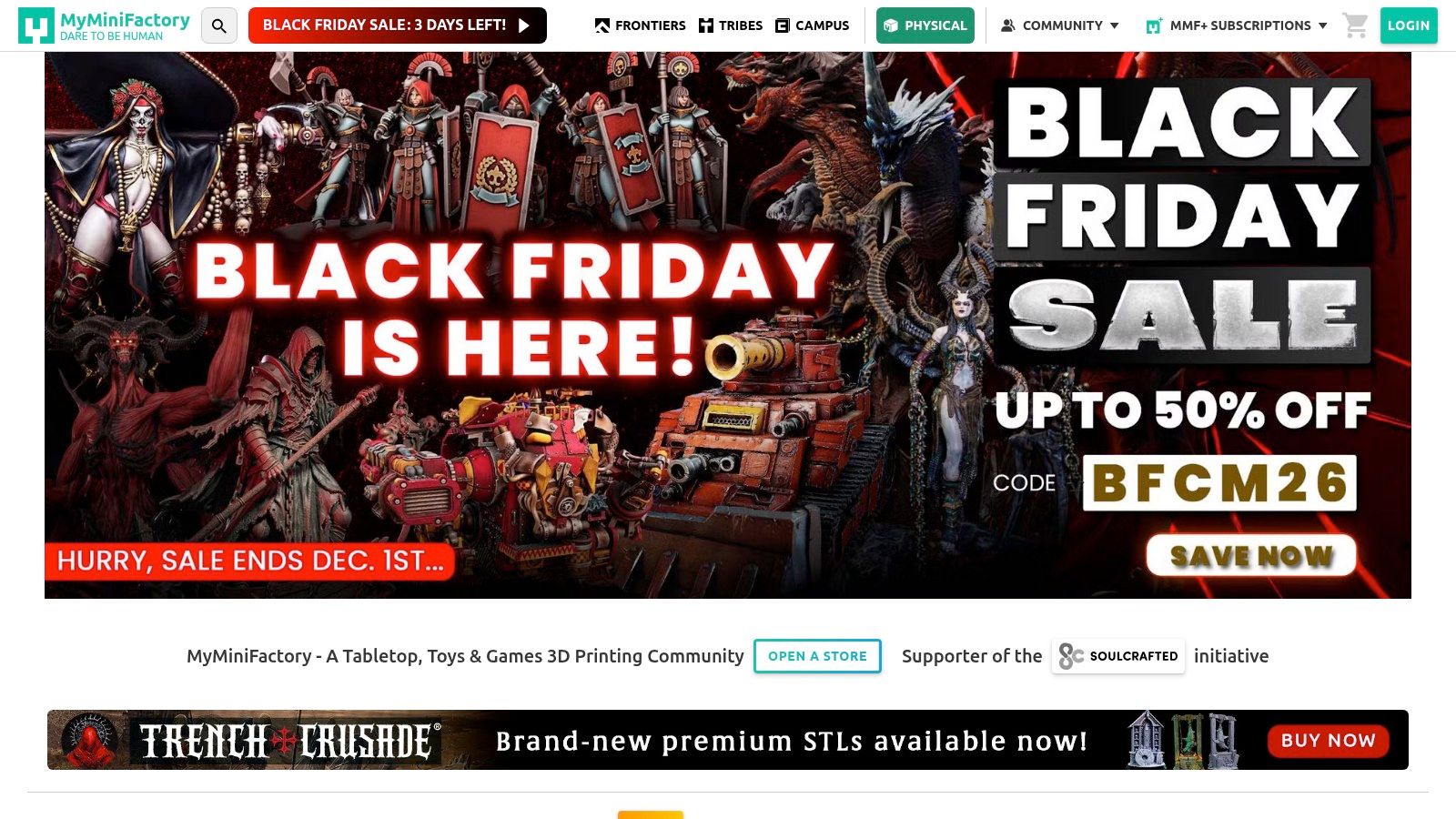
Unlike open free-for-all archives, MyMiniFactory states that submitted models undergo a printability check before approval. You'll find both free starter sculpts and paid creator collections, often bundled with hollow variants or pre-supported files designed for resin workflows. If you're dialing in delicate weapons, capes, and bases for tabletop campaigns, pair these files with our walkthrough on 3D printing miniatures for DnD.
What Printability Reviews Catch and Miss
A curated review catches glaring manifold holes, yet geometry accuracy still shifts depending on your printer technology and how aggressively a mesh was decimated. In a PubMed Central medical-model accuracy study comparing printed patient-specific aortic vascular models against digital reference anatomy, researchers measured overall dimensional errors of 0.20 ± 3.23% for FDM, 0.53 ± 3.16% for SLA, −0.11 ± 2.81% for PolyJet, and −0.72 ± 2.72% for SLS, concluding all four methods reproduced the anatomy within less than ±2% overall dimensional error under their protocol. The study emphasized preserving narrow features and tight curves during decimation rather than blindly cutting triangle counts.
That lesson applies directly to miniature STLs. A sword blade or filigree belt buckle that passes a general printability review for 28mm resin SLA printing will easily snap or disappear if you scale it down further or slice it with a standard desktop FDM nozzle.
Detail trade-off: Platform printability checks confirm a mesh is structurally sound at its intended size, not that your specific resin exposure or filament nozzle can hold paper-thin capes at 50% scale.
Be prepared to pay for flagship sculpts, as most intricate tabletop collections live behind creator storefronts, and always read individual merchant terms if you plan to print figures for sale.
6. Cults3D
When you want to weigh free community uploads side by side against paid designer kits, Cults3D delivers one of the broadest independent marketplaces available. Its catalog mixes practical organizers, cosplay armor pieces, jewelry, automotive accessories, miniatures, and sculptural home decor, with listings frequently offering both STL and 3MF files.
Because independent creators price and package their own work, you'll often see elaborate multi-part builds broken down for standard desktop bed sizes alongside single-piece decorative prints. Designer pages and themed bundles make it easy to grab matching sets, such as a full helmet assembly or a coordinated workshop wall system, from one verified modeling style.
Sorting Free Samples From Paid Multi-Part Kits
Marketplace variety brings real upside, but quality control sits squarely on the buyer. Before spending money on a complex cosplay helmet or mechanical enclosure, inspect the file list, exploded assembly photos, and print-bed dimensions in the description. Multi-part STLs rely on clean mating clearances; if a creator skips tolerances or omits assembly notes, you'll burn hours sanding joints or scaling pins by trial and error.
- Broad stylistic range: Covers both artistic showcase pieces and rugged functional hardware, making it easy to benchmark free alternatives before buying a paid kit.
- Multi-format downloads: Supported projects bundle STLs, 3MFs, and split sub-parts in one package so you can choose raw meshes or pre-arranged plates.
- Variable listing standards: Pricing, mesh density, and slicer instructions differ dramatically from one designer to the next, so inspect real printed photos rather than relying solely on smooth renders.
- Separate commercial licensing: Paying for a download does not grant permission to sell physical prints; always verify the specific license badge on the product page before listing finished parts.
7. Embossify Gallery
Not every printable model starts in CAD or a sculpting program. Sometimes you want to turn a 2D photograph, logo, coin design, or elevation map directly into a tactile 3D surface. Embossify Gallery is a specialized showcase of image-to-STL conversions, featuring medallions, outlines, relief plaques, and terrain models.
The gallery pairs rotating 3D previews with source-style categories so you can see exactly how flat artwork translates into surface depth.
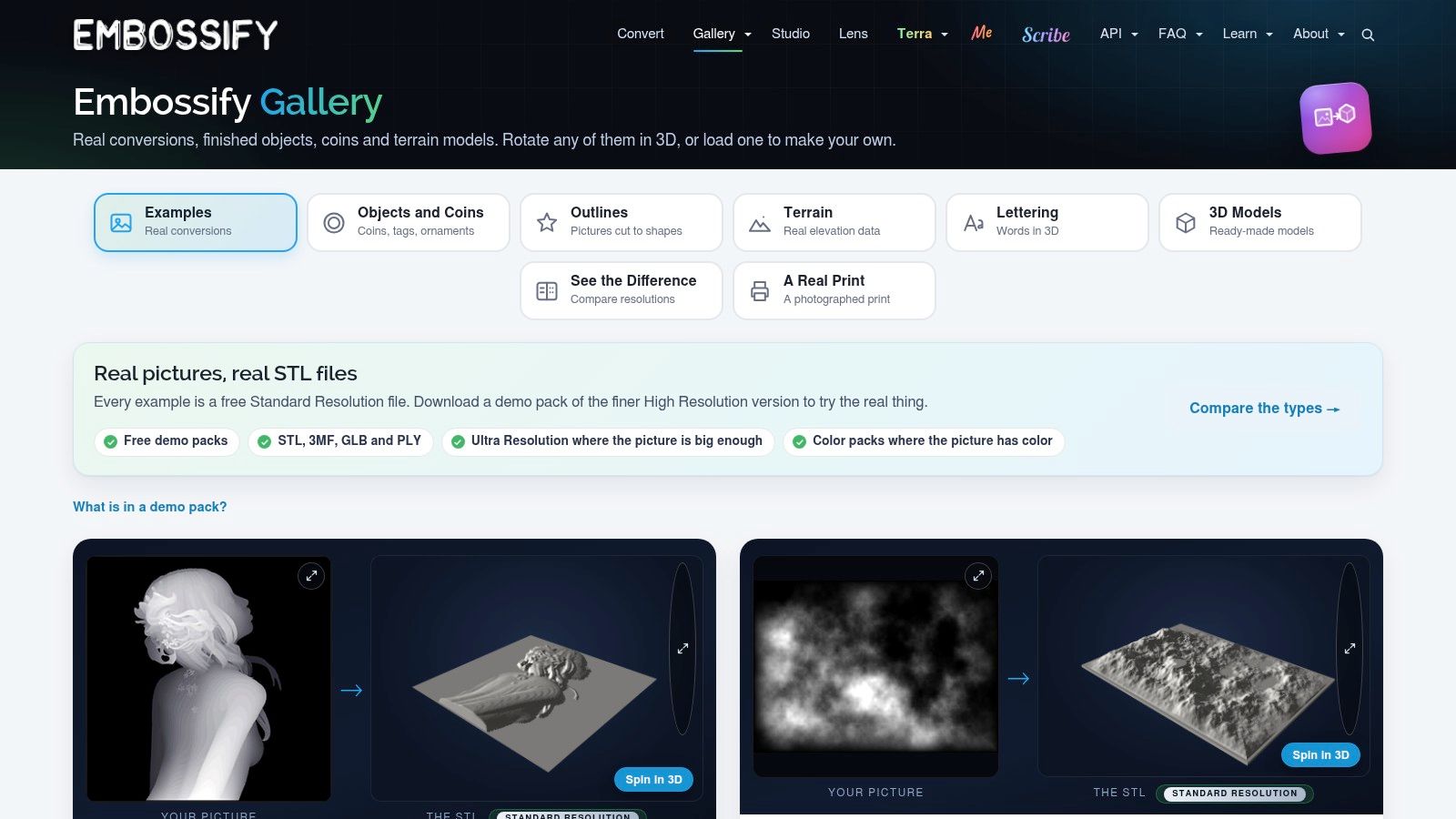
Several examples list physical dimensions, facet counts, and direct downloadable STLs, while "Make this one" links let you inspect how the conversion pipeline transforms contrast into height. If you're experimenting with tactile surfaces, embossed patterns, or lithophane-style finishes, read up on 3D printing textures to match your layer height and nozzle choices to fine relief details.
How Relief Geometry Behaves on the Build Plate
Image-derived STLs follow different physical rules than standard volumetric models. Because brightness values drive surface elevation, low-contrast artwork produces muddy, almost flat geometry unless you exaggerate vertical height. Conversely, razor-sharp black-and-white transitions create sheer vertical cliffs that exaggerate layer lines on FDM printers.
Standing a relief model upright on its thin edge often resolves finer Z-axis detail than laying it flat on the bed, provided you add a sturdy brim for bed adhesion.
- Clear before-and-after benchmarks: Viewing interactive previews alongside facet counts sets realistic expectations before you run your own image conversion.
- Direct sample STLs: Select coins, outlines, and terrain models can be downloaded immediately to test how your printer handles shallow reliefs.
- Specialized scope: This isn't a general repository for mechanical parts or full 360° characters; it focuses tightly on relief-like and image-derived geometry.
- Unverified physical prints: A clean rotating preview confirms surface depth, not bed adhesion or minimum base thickness, so always inspect the bottom slab in your slicer first.
Never assume a relief mesh has a strong backing plate. Check the base thickness in your slicer and add several solid bottom layers so delicate embossed plaques don't warp or crack when pulled off the build plate.
STL Source Comparison
| Item | Cost | File Formats | Best For | Printability Notes |
|---|---|---|---|---|
| Sculpty | First model free; paid plans available, prices unspecified | GLB, STL, OBJ, FBX, USDZ, 3MF | Generating and refining 3D models in one browser-based studio | Exports STL and 3MF; models may need review or refinement |
| Printables | Free to browse and download | STL; some listings include other files | Finding community-made models and printable inspiration | File quality varies; check or adjust files in a slicer |
| MakerWorld | Cost varies by listing | STL or CAD files on many listings; formats vary | Finding models with prepared profiles for compatible printers | Profiles can simplify setup but may not transfer across printers |
| Thingiverse | Many free designs | Formats vary by listing | Browsing, remixing, and testing community designs | Documentation and print success can be inconsistent |
| MyMiniFactory | Free and paid models | STL and other project files | Finding detailed miniatures and tabletop models | Submitted objects undergo stated printability checks, but results vary by printer and scale |
| Cults3D | Free and paid models | STL, 3MF, and other formats on supported listings | Finding functional, cosplay, miniature, and decorative designs | Check each listing's files, instructions, and license |
| Embossify Gallery | Some sample downloads available; conversion costs unspecified | STL for some examples | Exploring image-to-3D reliefs, medallions, and terrain | Previews do not confirm successful printing; best suited to image-derived objects |
Turn These STL Examples Into Your Next Print
Finding reliable STL examples gets much easier once you stop treating every repository as interchangeable. Your project's geometry dictates where you should look first.
Pick Printables or MakerWorld when you want functional household parts, organizers, and quick calibration prints backed by active user photos or prepared printer profiles. Dig into Thingiverse when you need an obscure older hardware part or a free base mesh to remix in Blender. Head to MyMiniFactory or Cults3D for intricate tabletop miniatures, multi-part cosplay kits, and paid creator bundles where sculpted detail justifies the price. Use Embossify Gallery specifically when your starting point is a 2D image destined to become a coin, plaque, or terrain relief.
When none of those catalogs match your exact vision, Sculpty bridges the gap by generating custom meshes from text or reference photos, remeshing them for watertightness, and exporting clean STLs directly from your browser.
Steps From Download to Reliable Print
Before you commit an overnight spool or a full vat of resin to any downloaded mesh, run through a consistent pre-print routine:
- Start with free libraries to benchmark your printer: Download a simple functional part or calibration block first so you know your machine's real-world clearances and overhang limits.
- Audit geometry and scale before slicing: Open the STL in your slicer or an online browser viewer to confirm watertight walls, sane bounding-box dimensions in millimeters, and zero empty layers.
- Test-print mating joints early: For multi-part kits, brackets, or cosplay assemblies, slice and print a small interlocking section first to confirm physical fit before running the full build.
- Verify licenses every time: Confirm whether a free or paid file allows remixing or commercial sales before handing off prints to clients or listing items online.
- Generate on demand when catalogs fall short: Switch to AI modeling with built-in remeshing whenever searching and editing existing STLs takes longer than creating the exact shape you need from scratch.
A great print rarely happens by luck. Match the source to the geometry, verify the mesh with your own eyes in the slicer, and keep your workflow repeatable from download to finished part.
Ready to stop hunting through broken archives and build custom printable geometry on demand? Generate models across top AI engines, clean up meshes with one-click remeshing, inspect binary or ASCII files in your browser, and export print-ready STL or 3MF files all in one workspace at Sculpty. Try your first model free and take it straight from prompt to build plate.