
Image to 3D Model Online Free: 10 Best Tools
The most popular advice about image to 3D model online free is incomplete. Upload one picture, click generate, and download a finished model sounds simple, but “3D model” can mean several different things. A single-image AI tool infers hidden geometry. Photogrammetry reconstructs a subject from multiple views. Manual contouring creates a shape from a reference image. Heightmap tools turn artwork into relief geometry, while avatar platforms convert a selfie into a rigged human character.
Those workflows solve different problems. A watertight object for printing isn't the same as a faithful scan for visualization, and neither is the same as a logo plaque or an animated avatar. The practical decision depends on your source material, required fidelity, texture needs, export format, cleanup tolerance, and the volume of free usage included.
Single-image generation is fast, but it guesses unseen surfaces. Multi-view capture takes more preparation and usually produces stronger evidence for the geometry. Free hosted tools may impose credits, accounts, watermarks, or licensing conditions, while open-source local runs can remove some of those limits for technically capable users. Sculpty is also relevant if you want one browser-based workflow covering single-image and multi-view generation, texturing, remeshing, retopology, rendering, and export.
Table of Contents
- 1. Meshy
- 2. Tripo AI
- 3. Image3D.io
- 4. Upsampler
- 5. Polycam Web
- 6. KIRI Engine Web
- 7. Smoothie-3D
- 8. ImageToSTL
- 9. Selva3D
- 10. Avatar SDK MetaPerson
- Top 10 Free Online Image-to-3D Tools Comparison
- Choose the Workflow Before the Tool
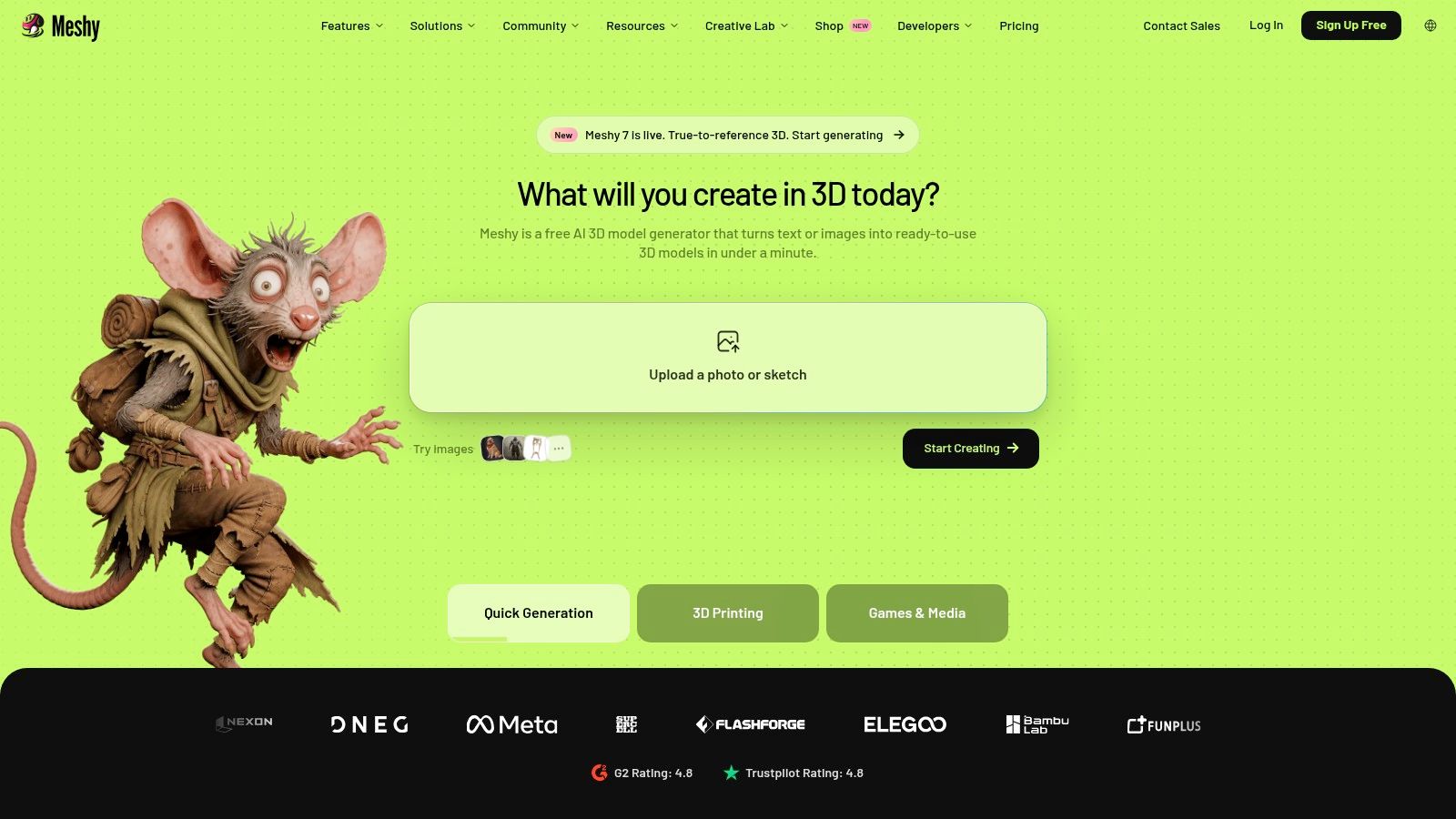
1. Meshy
Meshy is a strong starting point when you want a textured mesh from one image without giving up downstream compatibility. Its browser workspace supports both single-image and multi-view generation, and the platform can create PBR textures alongside the geometry. That makes it more useful than a simple viewer when the asset needs to move into Blender, a game engine, a presentation scene, or a 3D-printing workflow.
The main advantage is balance. Meshy is quick enough for concept exploration, but it also exposes practical controls such as texture resolution and supports exports including GLB, FBX, OBJ, USDZ, STL, and BLEND. The image-to-3D workflow overview is useful background if you're comparing a standalone generator with a broader browser studio.
Where Meshy fits best
Use Meshy for product concepts, props, game prototypes, reference-based assets, and quick client previews. A centered image with a clean background gives the model a much better chance of preserving the silhouette. Complex objects, thin parts, reflective surfaces, and objects partly hidden by other elements still need inspection after generation.
Its credit model is relatively easy to understand because jobs consume credits and higher-resolution textures consume more. That clarity helps when you're comparing a free test with a repeatable production workflow. The free plan is better treated as an evaluation path than an unlimited generator.
Practical rule: Download the lowest-cost useful output first, inspect its underside and back, then spend credits on higher-resolution texturing only if the mesh survives that review.
Meshy isn't the right choice when you need measured geometry from a single photograph. It also won't replace retopology, UV checks, or manual repair for a hero asset. For most users searching this phrase, though, it offers one of the more credible bridges from a quick AI reconstruction to a file that other 3D software can open.
2. Tripo AI
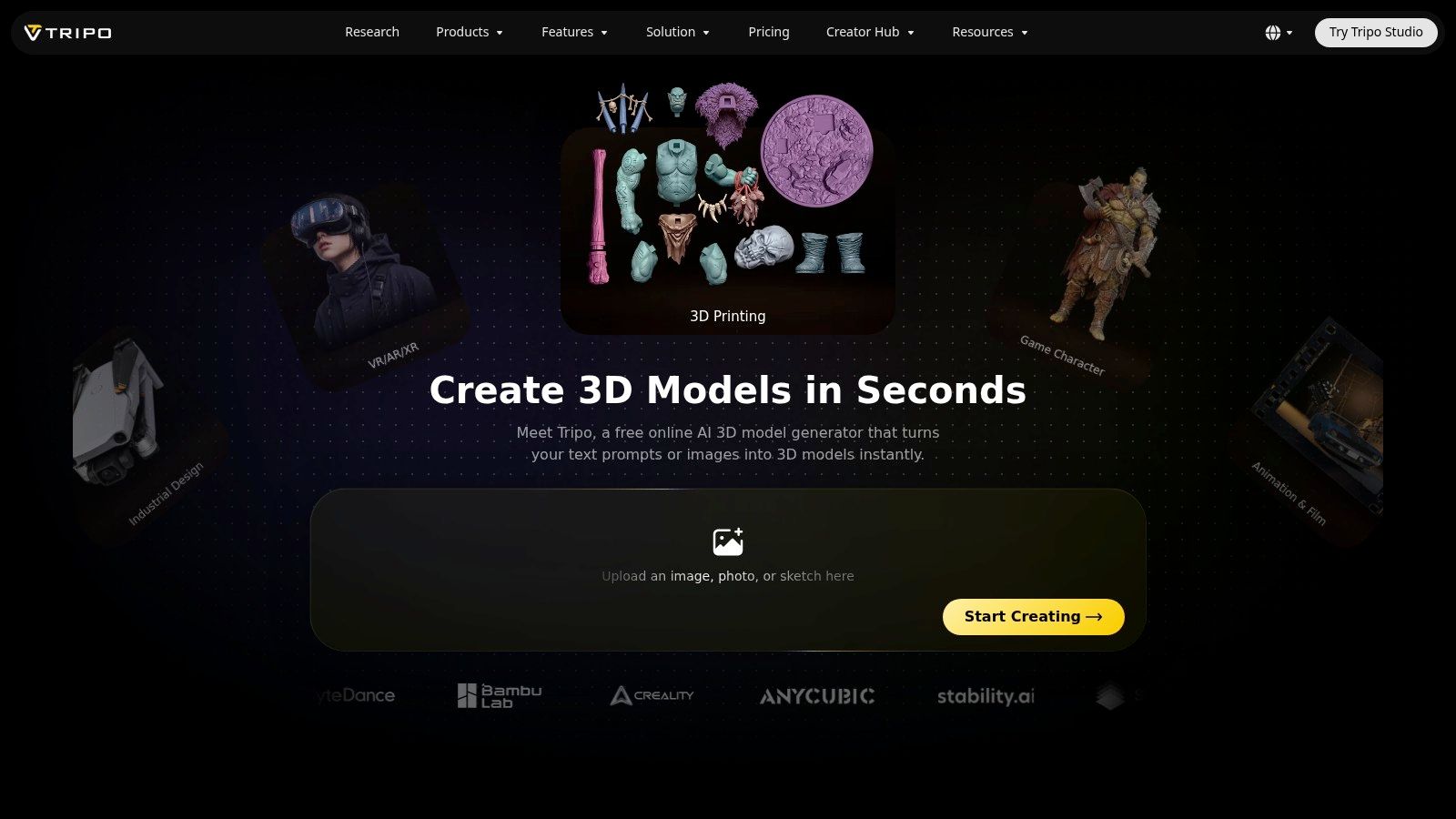
Tripo AI keeps the first attempt simple. Upload an image, choose an available quality or model option, and generate a textured 3D asset in the browser. It also supports text-to-3D, so it can be useful when you want to compare a visual reference against a prompt-generated variation rather than committing to one input method.
The interface suits beginners who don't want to learn mesh settings before seeing a result. That makes Tripo AI a practical tool for rapid ideation, moodboarding, rough props, and early character concepts. It can produce a usable starting point quickly, but “usable” still depends on the target. A concept mesh for a pitch deck has a much lower bar than a deformation-ready character or a clean asset for manufacturing.
What the free tier really means
The free plan lets you test the workflow before paying, but credits and commercial rights vary by plan. Quality tiers can consume different amounts of credits, so a technically better generation may be less attractive when you're running many variations. Check the current terms before using an output in paid client work or a commercial product.
Tripo AI is a good fit if you need a fast first pass and want a gentle learning curve. It's a weaker fit when you need predictable topology across a large asset library, detailed hidden surfaces, or a clear production license without reading plan conditions.
The best input is still a clean, object-only image with the subject separated from its surroundings. If the image contains multiple objects, heavy occlusion, or ambiguous edges, the model has to decide which shapes belong to the target. That can create plausible-looking errors that aren't obvious until you rotate the asset or import it into a scene.
3. Image3D.io
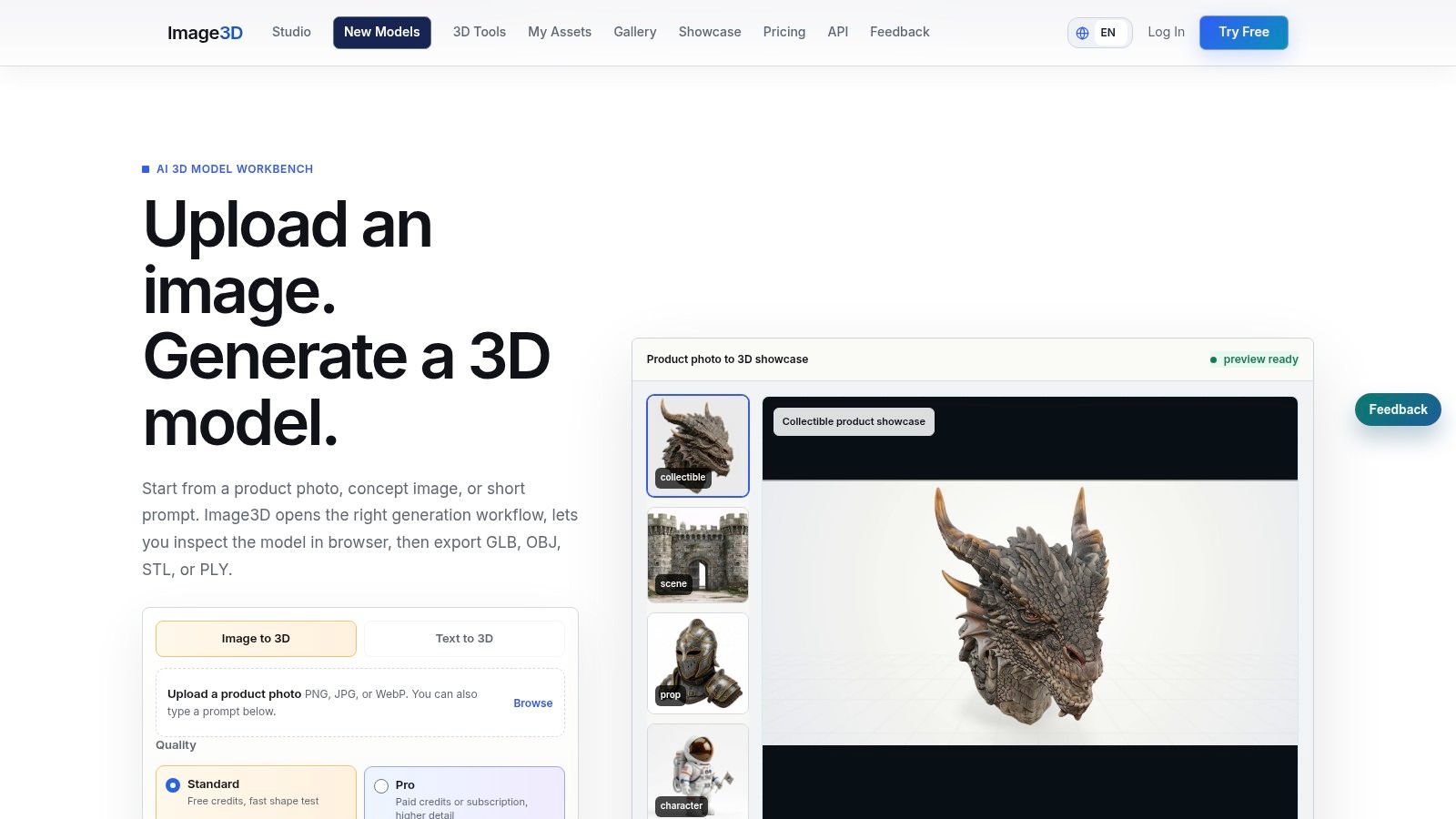
Image3D.io focuses narrowly on the single-photo workflow. That focus is helpful when you don't need text-to-3D, a large creative suite, or a complicated production dashboard. Upload an image, generate a textured mesh, and export in GLB or OBJ for further inspection.
The tool is particularly suited to quick product and character reconstructions. Its in-browser guides also address practical downstream steps, including cleanup and export, which matters because a generated mesh is rarely the end of the job. The output may look convincing from the source camera angle while still containing stretched polygons, incomplete backsides, or texture distortions elsewhere.
Input quality controls the result
Image3D.io works best with a centered, well-lit subject against a simple background. Object-only framing reduces segmentation mistakes, and even lighting gives the generator more reliable visual clues. A dramatic product photograph may be excellent for advertising but poor as reconstruction input if shadows hide the base or highlights erase surface detail.
Free use is limited, and downloads consume credits. That means you should decide whether you're testing the silhouette, the texture, or the export pipeline before starting repeated generations. If the object is mechanically complex, single-image inference remains the wrong method because the tool can't observe hidden joints, cavities, or exact dimensions.
Image3D.io makes sense for a purpose-built visual mesh, especially when GLB or OBJ is enough. Choose another workflow if you can capture multiple angles and fidelity matters more than convenience. In that case, photogrammetry will give the software more real evidence instead of asking it to infer the entire object from one view.
4. Upsampler
Upsampler is useful when account friction is the problem. Its browser-based single-image workflow uses a Stable Fast 3D reconstruction model and doesn't require signup for an initial test. That makes it a sensible first stop when you want to find out whether a particular photo is even suitable for AI reconstruction.
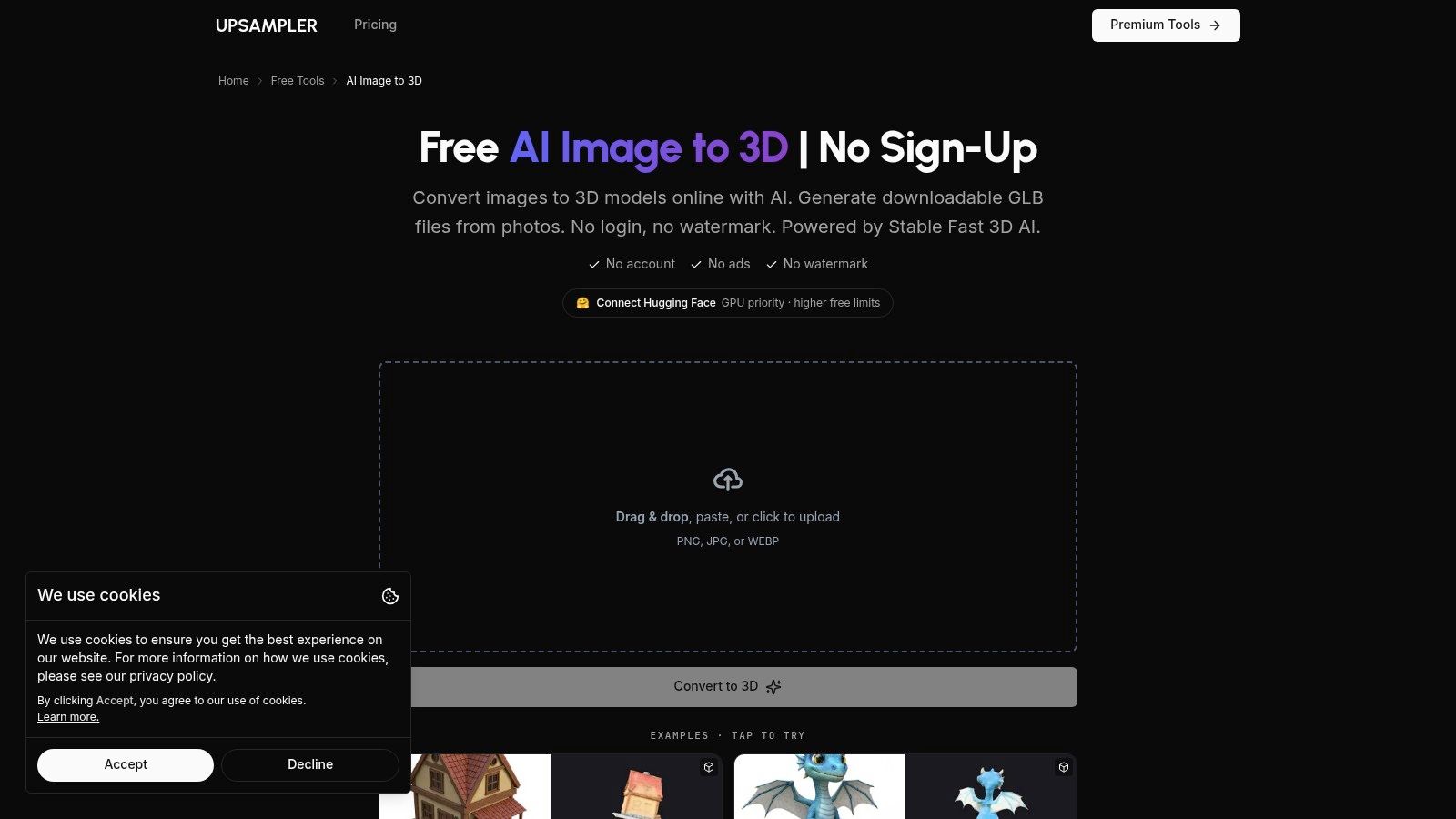
The appeal is speed and low commitment. You can test a centered object, rotate the resulting model, and decide whether the source image contains enough visual information to justify a more capable paid workflow. That screening step can save time when you're sorting through many reference images.
A tester, not a complete pipeline
Upsampler has fewer controls and pro options than larger platforms. Output choices may be narrower, and the free page may impose usage limits. Because the workflow is lightweight, it isn't the best choice for texture-resolution control, batch production, predictable licensing, or detailed retopology.
Use it for sanity checks and quick visual experiments. Don't select it because a generated preview looks complete from one angle. Inspect the base, rear, and thin features before assuming the mesh is ready for printing or game use.
A no-signup tool is also not automatically a no-strings-attached commercial solution. Confirm what you can download, reuse, and sell before treating an output as a client asset. Hosted free tools often trade convenience for account requirements, credits, limits, or rights conditions, while local open-source alternatives can offer a different balance for users who can manage installation and hardware themselves.
5. Polycam Web
Polycam Web belongs in this list, but it shouldn't be described as a single-photo AI reconstructor. Its strength is photogrammetry from multiple images or video, where the software compares overlapping views to build geometry from observed features. If you can walk around an object or capture a video, that distinction is important.
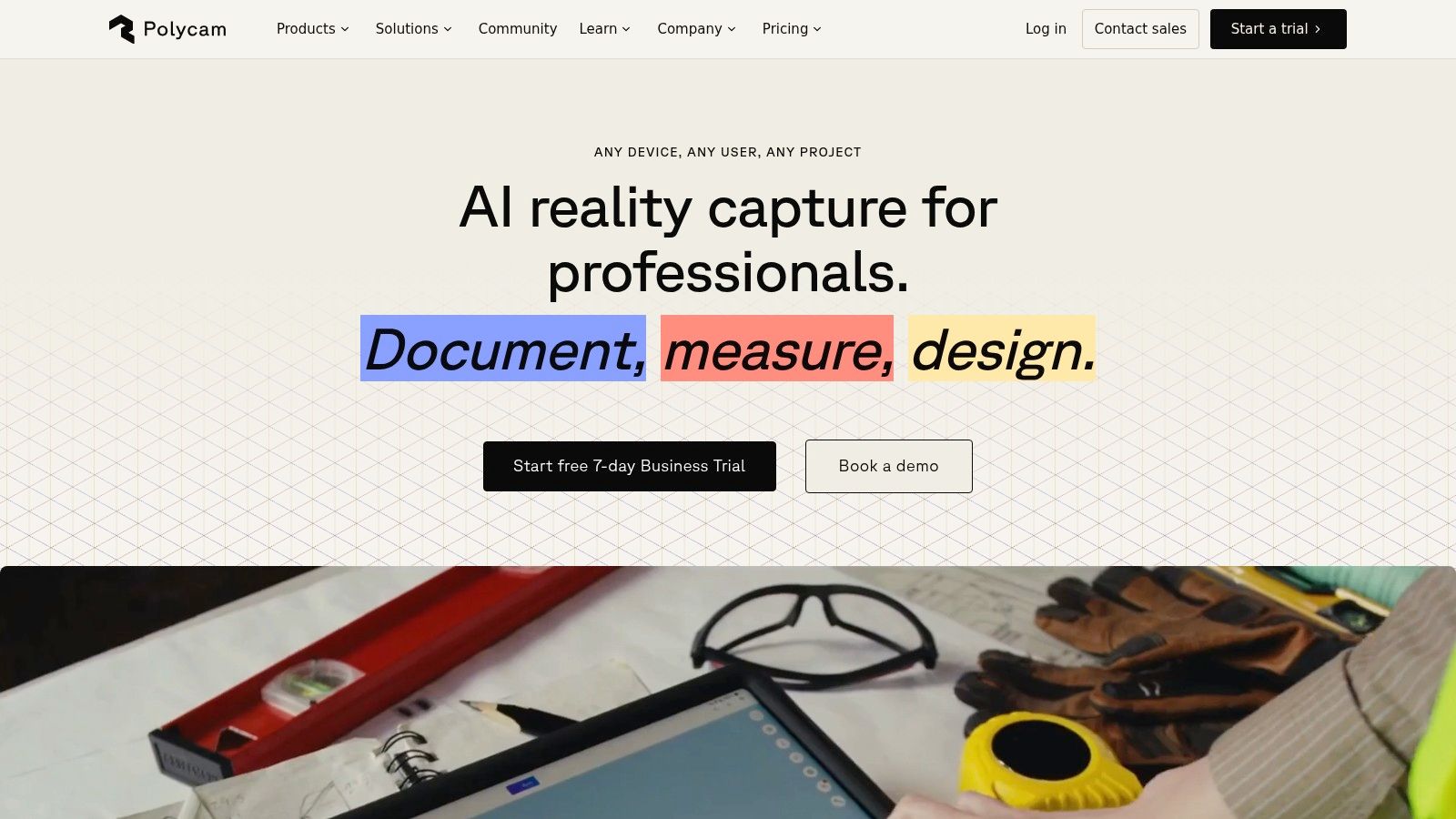
Polycam's web workflow connects with its iOS and Android ecosystem, so capture can happen on a phone while processing and review happen in the browser. With good multi-view coverage, it can preserve details that a one-image model has to invent. That makes it a better candidate for real objects, product documentation, environment references, DCC work, and print preparation when the subject can be captured from enough angles.
Why coverage matters
Photogrammetry doesn't remove capture discipline. Shiny, transparent, featureless, or moving subjects can still produce weak results. You also need to avoid large gaps between views and keep the object consistent throughout the capture.
The free plan has lower limits, and some modes may include watermarks. Paid plans add capacity and features, so review the current export and usage conditions before starting a project that depends on unrestricted downloads.
The better question isn't “which AI guessed the object best?” It's “can I give the reconstruction enough overlapping evidence to avoid guessing?”
Polycam Web is the wrong choice when you only have one photograph. It's the right choice when you can capture many angles and care about faithful surface appearance and observed geometry more than instant generation. For a single concept image, Meshy, Tripo AI, or Image3D.io will usually be more direct.
6. KIRI Engine Web
KIRI Engine Web takes a similar but distinct approach. It accepts photo sets and video uploads in the browser, processes them into 3D reconstructions, and provides standard export options plus shareable viewer embeds. The embed feature is practical for review because a client or collaborator can inspect the asset without opening a desktop 3D application.
KIRI Engine Web is a good middle ground for quick scans, field capture, travel references, and collaborative review. You can capture on a mobile device, upload without setting up a desktop photogrammetry stack, and share the result through a web viewer. That convenience often matters more than a marginal difference in mesh quality when the goal is documentation or a preliminary asset.
Choose KIRI when you can capture the subject
KIRI isn't a magic solution for one image. It needs many views, and the quality depends on coverage, lighting, surface texture, and camera movement. Smooth, reflective, transparent, or repetitive surfaces can confuse feature matching, while an occluded underside may remain incomplete even after a successful upload.
The freemium model caps inputs and outputs compared with Pro subscriptions. Check those limits before planning a large scan or promising a particular export to a client. A shareable viewer also isn't the same as a clean production mesh, so download and inspect the actual file in your target application.
KIRI Engine Web is the better choice over single-image AI when you can collect evidence instead of relying on inference. It's the wrong choice for a logo, a flat photograph, or a selfie-based character. Those inputs belong to relief and avatar workflows, not general photogrammetry.
7. Smoothie-3D
Smoothie-3D is deliberately different from the AI generators above. It doesn't infer a complete object automatically. You place a reference image in the browser, trace contours, and build the form manually. That takes more effort, but it gives you direct control over the shape instead of accepting a black-box reconstruction.
The workflow is especially useful for simple objects, animals, logos, and printable forms where the silhouette is clear and the user can make reasonable decisions about depth. It exports to OBJ and STL, so the result can move into a slicer or another modeling application.
Manual control has a cost
Smoothie-3D won't recreate a complex photorealistic object from one image. A single view can't reveal the rear, and manual contouring won't manufacture accurate hidden geometry without additional references. The final topology and realism depend on your modeling decisions, which is both the limitation and the benefit.
If an AI tool repeatedly produces the wrong proportions, manual modeling may be faster than generating endless variations. You can correct the nose of an animal, flatten a base, enlarge a loop for a pendant, or shape a printable thickness directly. The result may be less visually detailed, but it can be more intentional.
Use Smoothie-3D when control matters more than automation.
It's also a free browser option, which makes it attractive for learners and makers who want to understand how a reference image becomes geometry. Choose a different tool when you need automatic textures, realistic backside inference, or a production-ready character rig.
8. ImageToSTL
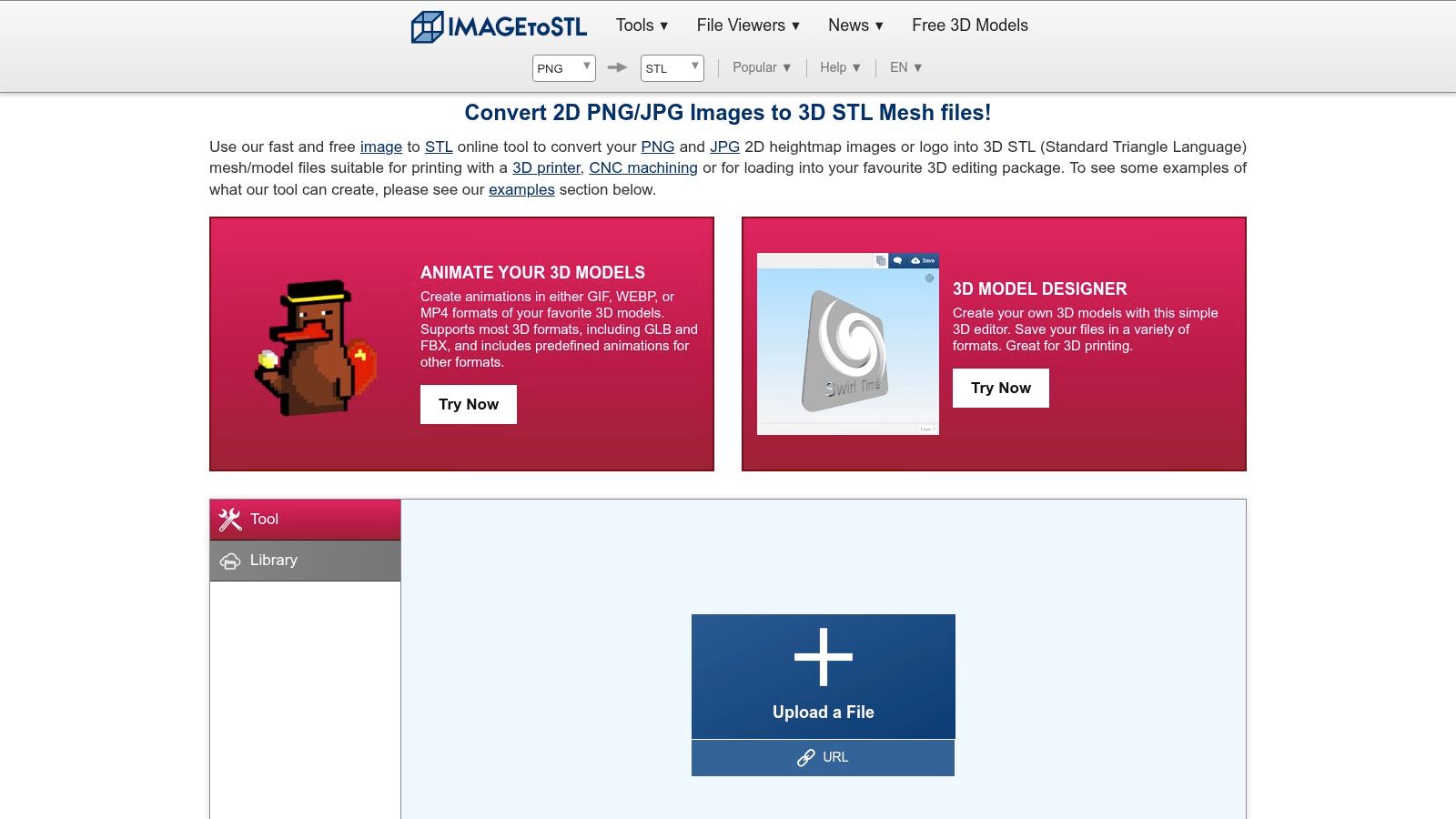
ImageToSTL solves a narrower problem than its name may suggest. It converts images into STL geometry through heightmap methods, which means bright and dark regions influence surface height. The result is a relief, plaque, lithophane, or emboss, not a complete object reconstructed in the round.
That distinction prevents a common failed workflow. Uploading a side-view product photograph to a relief generator won't produce the product's hidden sides. It will create a shaped surface based on the image's tonal or color information. For a logo, portrait plaque, decorative panel, or lithophane, that behavior is exactly what you need.
Best use cases for heightmaps
ImageToSTL is fast and accessible. You don't need full 3D modeling knowledge to turn a clean PNG or JPG into an STL that can be opened in a slicer. High-contrast artwork with clear boundaries usually works better than a busy photograph with soft gradients and an uncertain background.
The output contains no genuine texture layer, and it doesn't infer a realistic backside. For a print-ready relief, you can often add a base or adjust scale in another modeling tool. For a full object, switch to single-image AI, photogrammetry, or manual modeling.
The guide to creating an STL file from an image explains the difference between image-derived relief geometry and broader image-to-3D workflows. That distinction is worth making before you spend time preparing an input for the wrong type of generator.
9. Selva3D
Selva3D is another relief and extrusion tool, with a particularly direct workflow for logos, badges, signage, and maker projects. Bitmap threshold controls help isolate the shape, then the app turns the result into printable STL geometry. For a clean graphic, that path is usually more appropriate than asking an AI model to hallucinate a full three-dimensional object.
The input needs to be prepared well. Remove background noise, use clear contrast, and make sure the artwork contains a shape that can be separated from its surroundings. Thresholding is powerful for a logo with distinct regions, but it won't understand the semantics of a photograph or decide which surfaces should sit behind others.
Don't confuse extrusion with reconstruction
Selva3D creates relief or extrusion-style geometry. It doesn't recover the back of a photographed object, create a detailed texture map, or produce a natural 360-degree model from one view. That isn't a defect if your goal is a sign, badge, stamp, plaque, or simple print.
The standard-quality download policy can change, so check the current app before relying on a particular free export path. Even when the file is available at no cost, inspect the STL for unwanted islands, thin walls, disconnected regions, and sharp transitions before slicing.
Selva3D is the fastest choice here for flat artwork that needs physical depth. ImageToSTL offers a similar category of result through heightmap conversion, while Smoothie-3D gives you more manual control over an object form. None of these should be presented as a substitute for photogrammetry or full-object AI reconstruction.
10. Avatar SDK MetaPerson
Avatar SDK MetaPerson is built for a specialized input and output. Give it a selfie, and it creates a rigged full-body human avatar rather than an arbitrary object mesh. It exports to GLB, glTF, and FBX, and its Unity, Unreal, web SDK, and cloud API integrations make it more relevant to interactive projects than general-purpose image-to-3D tools.
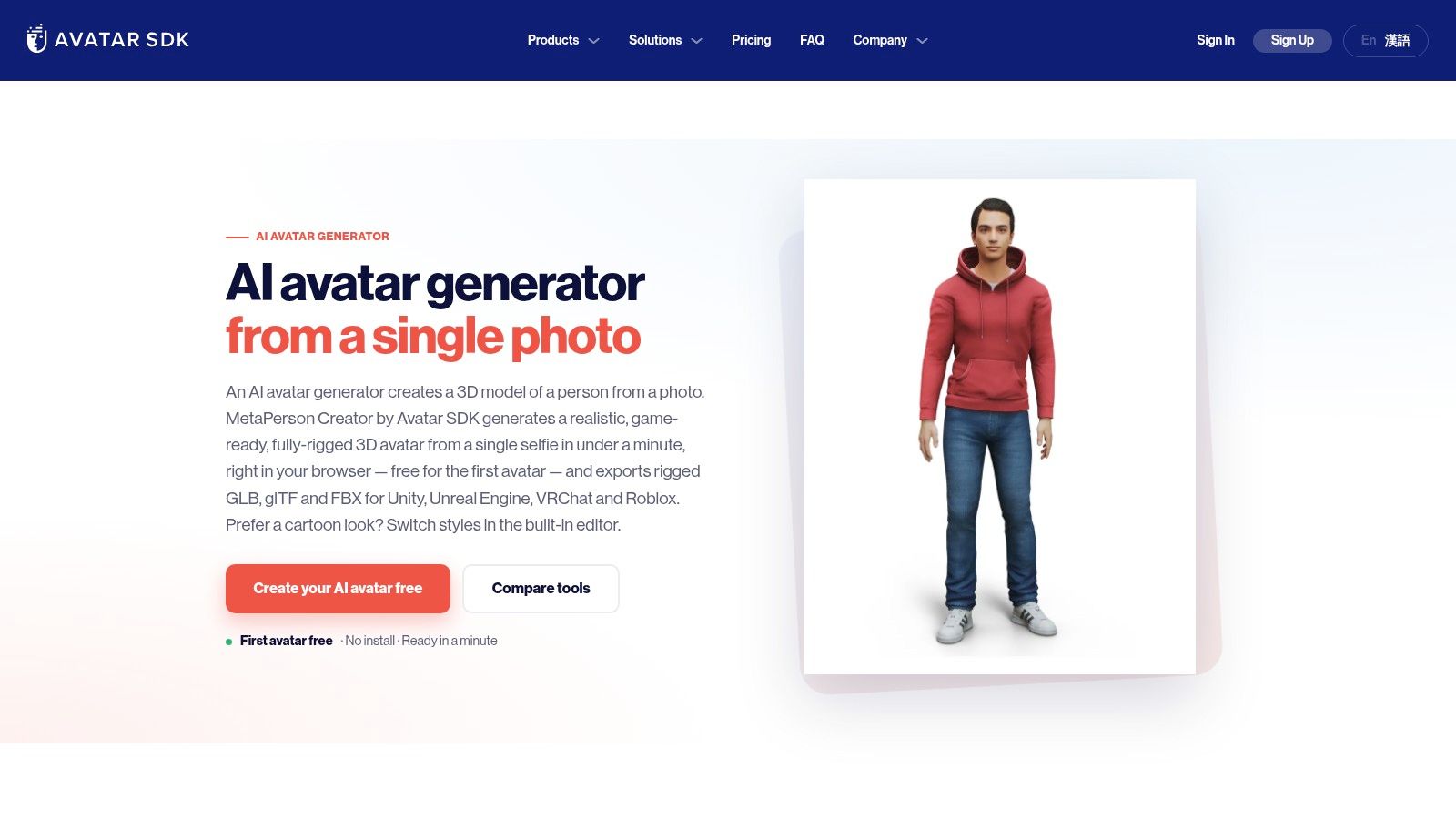
The rig is the important feature. A raw generated human mesh still needs skeleton setup, skin weighting, and animation preparation. MetaPerson reduces that work for prototypes in games, XR, virtual events, and web experiences. The free first-avatar option gives you a way to test the pipeline before choosing a plan.
Where MetaPerson stops being useful
This isn't the tool for a chair, vehicle, statue, product, or animal. It's specialized for humans, and likeness detail, clothing options, and commercial conditions can vary by plan. A selfie also provides limited information about the full body, so the output should be evaluated as an avatar system rather than a forensic reconstruction of the person.
For a character prototype, the rigged export may be more valuable than a highly detailed but unrigged AI object. For a realistic digital double, you may need additional face capture, clothing work, material refinement, and manual adjustment.
The guide to creating a 3D character online for free is a useful reference if your search began with “image to 3D model” but your actual destination is an animated human. Choosing an avatar tool for an object, or an object generator for an avatar, creates unnecessary cleanup before production even starts.
Top 10 Free Online Image-to-3D Tools Comparison
| Tool | Core features | ★ Quality | 💰 Price / Value | 👥 Target & ✨ USP |
|---|---|---|---|---|
| Meshy | Single-image & multi-view → textured PBR mesh, API, multi-format exports (GLB/FBX/OBJ/USDZ/STL) | ★★★★☆ | 💰 Credit-based, predictable per-job; limited free credits | 👥 Designers & makers, ✨ balanced speed, topology & downstream compatibility |
| Tripo AI | Image→3D + Text→3D, multiple quality tiers, API | ★★★★☆ | 💰 Free tier + credit pricing by quality tier | 👥 Beginners & rapid prototyping, ✨ simple UI, tiered quality controls |
| Image3D.io | Single-photo textured mesh, GLB/OBJ exports, in-browser tutorials | ★★★★☆ | 💰 Credit-based; limited free use | 👥 Product/character reconstructions, ✨ purpose-built flow & cleanup guides |
| Upsampler | Single-image → 3D, no signup, "Stable Fast 3D" model | ★★★☆☆ | 💰 Free, no account required | 👥 Quick testers, ✨ instant, zero-onboarding experiments |
| Polycam Web | Photogrammetry from photos/video, high-fidelity meshes, mobile apps | ★★★★★ | 💰 Freemium; paid plans raise image/feature limits | 👥 Photogrammetry pros & makers, ✨ high-fidelity multi-view results; 🏆 best for detailed scans |
| KIRI Engine Web | Web photogrammetry, shareable viewer embeds, standard exports | ★★★★☆ | 💰 Freemium → Pro subscriptions for larger projects | 👥 Travelers & quick-capture users, ✨ shareable embeds, convenient web workflow |
| Smoothie-3D | Manual contouring single-photo modeling, OBJ/STL exports, browser-based | ★★★☆☆ | 💰 Free | 👥 Hobbyists & makers, ✨ manual control (no AI), great for simple shapes |
| ImageToSTL | 2D → heightmap STL (reliefs, lithophanes), quick print-ready output | ★★★☆☆ | 💰 Free, fast | 👥 3D printers & makers, ✨ ideal for bas-reliefs, plaques, logos |
| Selva3D | Bitmap threshold + extrusion → STL, one-click workflow for logos/signage | ★★★☆☆ | 💰 Fast workflow; historically free/low-cost (check app) | 👥 Makers & signage designers, ✨ rapid logo-to-STL extrusion |
| Avatar SDK (MetaPerson) | Selfie → rigged, game-ready avatar; GLB/glTF/FBX + Unity/Unreal SDKs | ★★★★☆ | 💰 Free first avatar; paid plans / API | 👥 Game/XR devs & prototypers, ✨ rigged outputs & SDKs, 🏆 optimized for avatars |
Choose the Workflow Before the Tool
The best free image-to-3D option depends on what your source image can prove and what the final file must do. A single photograph contains one visible perspective. Any hidden surface, internal cavity, exact dimension, or unseen connection must either be inferred, manually designed, or captured through additional views.
For fast concept meshes, start with Meshy, Tripo AI, Image3D.io, or Upsampler. Meshy is the stronger choice when you want broader exports, PBR texturing, and a more repeatable credit-based workflow. Tripo AI is approachable for quick experiments and also supports text-to-3D. Image3D.io keeps the process focused on single-photo reconstruction, while Upsampler works well as a low-friction test before creating an account elsewhere.
Use Polycam Web or KIRI Engine Web when you can capture multiple angles. Photogrammetry is the better answer when the subject's real surface matters more than instant generation. It still needs careful capture, and it can fail on reflective, transparent, featureless, moving, or heavily occluded subjects. Review the mesh rather than assuming a successful processing message means the asset is production-ready.
Match the capture method to the fidelity requirement. A single photo is convenient, but extra views give the reconstruction actual geometric evidence.
Choose Smoothie-3D when you want manual control over a simple form and don't mind shaping the model yourself. Pick ImageToSTL or Selva3D for logos, artwork, plaques, bas-reliefs, lithophanes, and extrusions. These tools are excellent when flat source material should become printable depth, but they aren't full-object reconstruction systems. For a selfie-based, animated human, Avatar SDK MetaPerson is the specialized choice because rigging and engine integration matter more than arbitrary object support.
Before uploading, prepare a centered, well-lit, object-only photo whenever possible. Avoid cluttered backgrounds, severe shadows, cropped silhouettes, and objects that hide their own important features. If you can capture several angles, do it. Multi-view generation can preserve information that a single-image model has no way to observe.
After generation, inspect the front, back, underside, interior openings, thin parts, and texture seams. Check whether the mesh is watertight if you're printing, whether the topology deforms acceptably if you're animating, and whether the polygon density suits your target application. Verify the required export format before choosing a platform. GLB is convenient for web viewing, OBJ is widely supported, FBX is common in interactive pipelines, and STL is intended for geometry-first printing workflows, but each file can still require cleanup.
The technical limitations are not a temporary footnote. Stanford's early single-image reconstruction work produced qualitatively correct models for 64.9% of 588 internet images, a result that quantified both the promise and the difficulty of the task in the documented research. Modern tools are more accessible, but a plausible result still isn't automatically a faithful or production-ready one.
Adoption also remains selective. A 2025 survey of 3,779 3D artists found that 68% never used AI 3D model generators, while fewer than 5% used them daily or a few times a week according to the survey coverage. That restraint makes sense. Professionals still need control over topology, UVs, dimensions, materials, deformation, and licensing.
Sculpty is relevant when you want to test several approaches in one browser-based studio. It supports single-photo and multi-view generation, followed by PBR texturing, remeshing, retopology, rendering, and exports including GLB, STL, OBJ, FBX, USDZ, and 3MF. The same kind of asset workflow can support adjacent visualization tasks such as AI garden design, where generated objects may need presentation-ready rendering rather than a raw mesh alone.
Start with the output, not the tool list. Decide whether you need an inferred concept, a faithful scan, a controlled manual shape, a printable relief, or a rigged avatar. Then choose the cheapest workflow that can satisfy that requirement, test one representative input, and reserve paid credits or cleanup time for assets that pass inspection.
Sculpty brings single-image and multi-view 3D generation, PBR texturing, remeshing, retopology, rendering, and export into one browser-based workflow. If you want to compare reconstruction approaches without managing separate tools and credit systems, visit Sculpty and test the workflow with your next image.