
Image to 3D Model AI Online: 10 Tools
The most popular advice about image to 3D model AI online is also the least useful: pick the tool with the most impressive preview. A beautiful turntable doesn't tell you whether the mesh is watertight, whether the topology can survive animation, whether the export opens cleanly in Blender or Unity, or whether an STL is suitable for a slicer.
The better question is, what job must the asset perform after generation? This comparison assesses single-image fidelity, multi-view accuracy, turnaround, credit models, export options, topology, texturing, editing requirements, and practical destinations such as game engines, digital content creation tools, commerce catalogs, and 3D printers. It also separates tool roles that are often treated as interchangeable: end-to-end studios, specialist generators, capture platforms, production APIs, printing-focused services, and avatar systems.
The research trajectory explains why these categories now exist. A benchmark timeline places 3D-R2N2 in 2016 as the first deep single-image reconstruction system, followed by NeRF in 2020, Zero-1-to-3 in 2022, and faster systems such as TripoSR and InstantMesh by 2024. By 2025 and 2026, models including Trellis and Hunyuan3D-2 were producing PBR-textured meshes from single images. Speed has improved, but usable geometry, cleanup, export, and workflow fit still determine the best choice.
Table of Contents
- 1. Sculpty
- 2. Meshy
- 3. Tripo AI
- 4. Rodin by Hyper3D
- 5. Alpha3D
- 6. Polycam AI Capture
- 7. KIRI Engine
- 8. Hi3D
- 9. Modelfy 3D
- 10. Avatar SDK
- Top 10 Image-to-3D AI Online Tools Comparison
- Choose by Workflow, Not by Demo Image
1. Sculpty
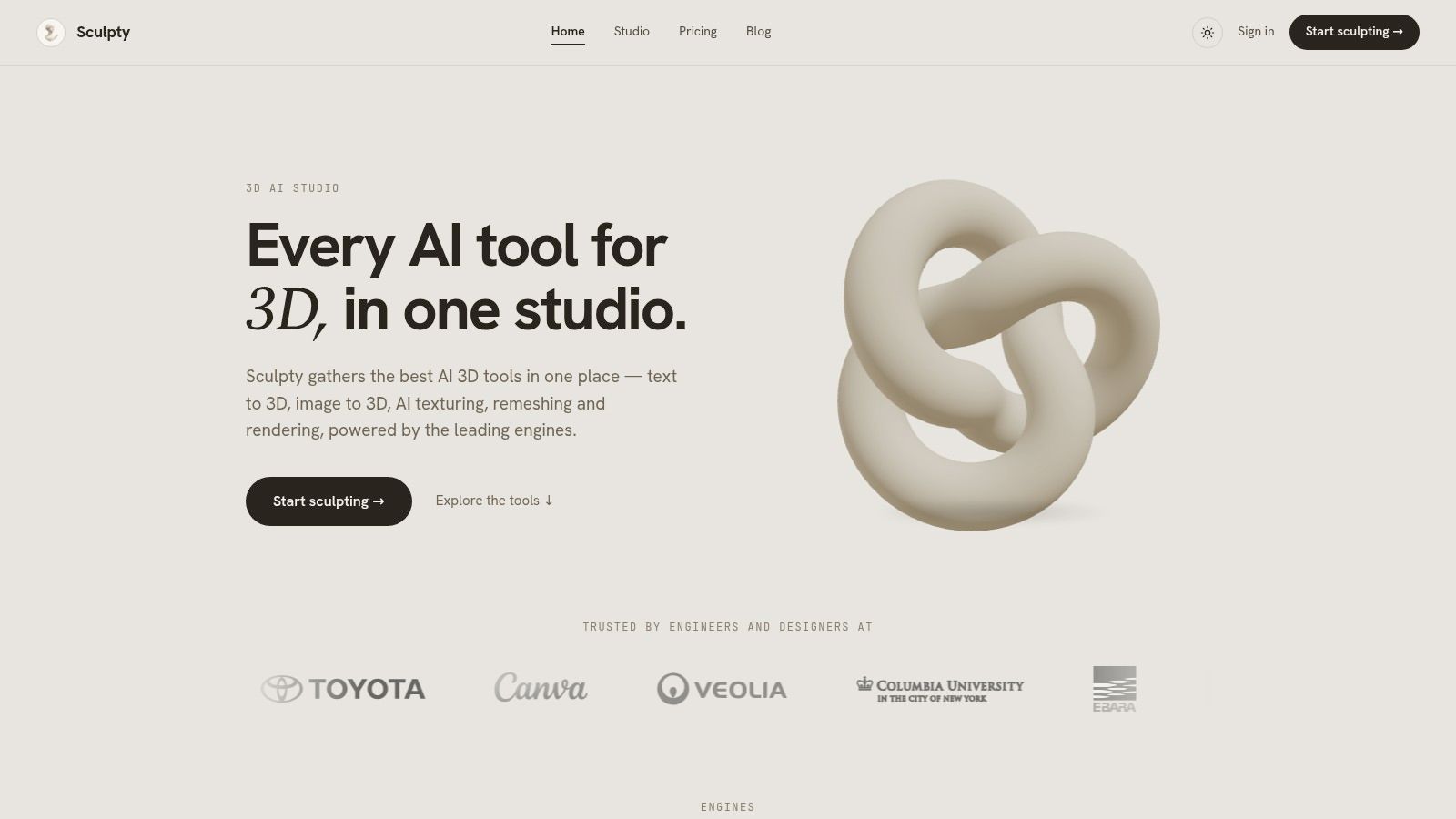
Sculpty fits workflows that need more than a single image-to-3D generator. Its browser interface brings together text-to-3D and image-to-3D engines, including Meshy, Hunyuan 3D, Rodin, Tripo AI, and TRELLIS 2. This engine aggregation lets users compare results for silhouette, style, and production needs without opening separate services.
The image workflow accepts either one photo or a multi-view set, with a stated goal of producing a watertight mesh. It also includes prompt-based PBR texturing, remeshing, retopology, rendering, turntable creation, and conversion. Supported formats include GLB, STL, OBJ, FBX, USDZ, and 3MF, covering common destinations such as Blender, Unity, and 3D-printing slicers.
Why the workflow role matters
Sculpty's main role is workflow consolidation. It connects generation, PBR texturing, cleanup, presentation, conversion, and delivery, which can reduce the number of handoffs between services. Render Studio provides 4K scene outputs and 360° turntable animations with transparent backgrounds, allowing creators to review or present an asset without building a separate render setup.
The unified credit and subscription system also keeps engine use under one account. Paid plans include commercial usage rights, while assets remain in the private gallery after cancellation. Higher tiers add priority queueing and early access to new engines. Publicly available scraped material does not establish current pricing, detailed credit consumption, or third-party customer results, so buyers should verify plan limits and commercial terms before subscribing.
Sculpty suits users who value downstream handling as much as the first mesh. A creator can test several engines, apply cleanup or retopology, and prepare exports for a DCC tool, engine, catalog image, or printer from the same browser workflow.
The trade-off is variation between engines. Results depend on the input image, prompt, and selected model, and the final asset may still require manual inspection in a DCC application. For single-image generation alone, a specialist tool may be simpler. For comparison, processing, and delivery across several asset types, the consolidated workflow is the more relevant advantage.
2. Meshy
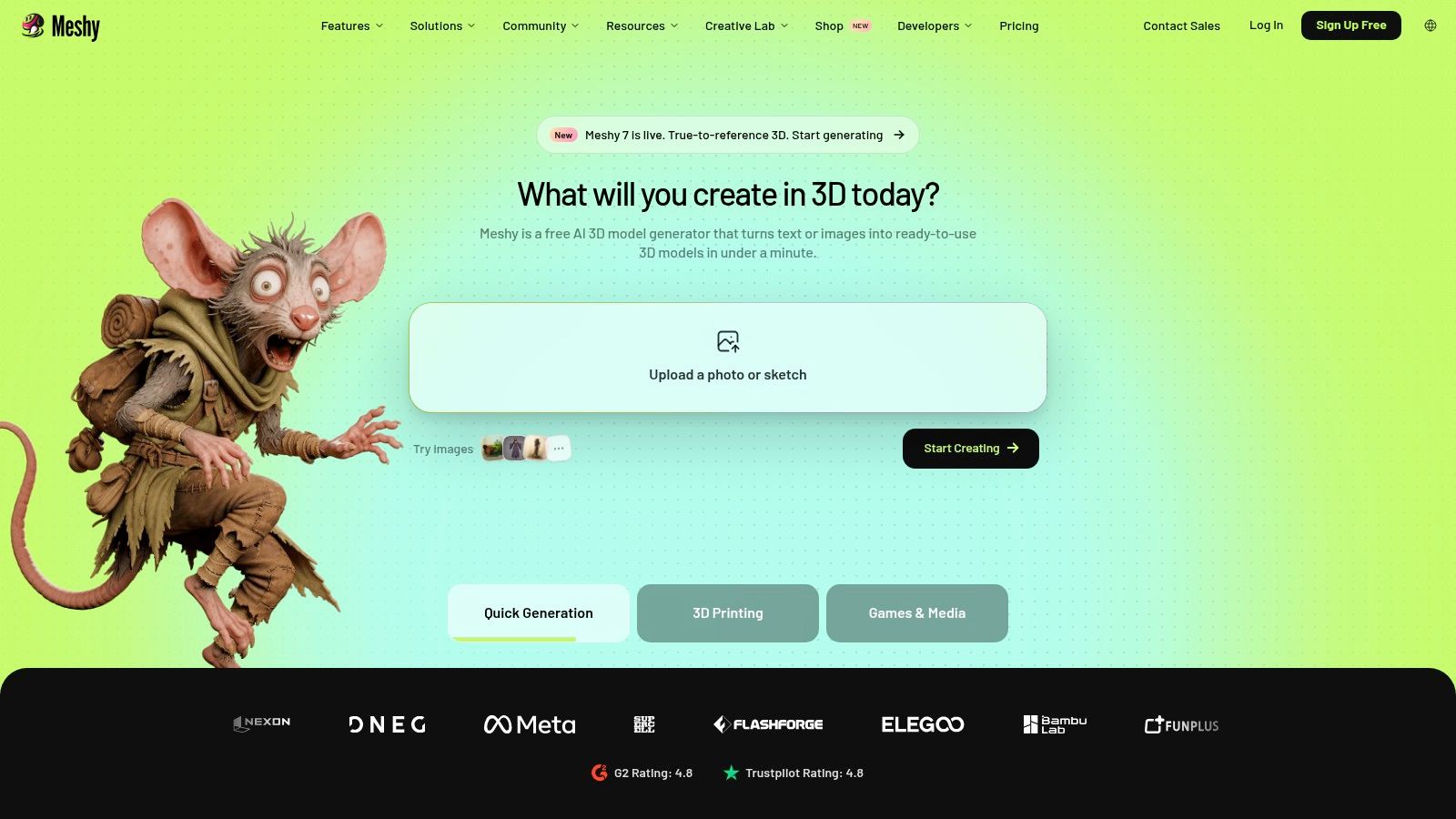
Meshy is useful when a single reference image must become a testable asset quickly, but its broad workflow should not be confused with production-ready modeling. It supports Image-to-3D and text-to-3D, plus single-image and multi-view generation for props, concept assets, game prototypes, and early 3D-printing tests. Exports including FBX, OBJ, GLB, USDZ, STL, and Blend connect the result to DCC software, engines, and slicers.
Its credit-based task system publishes task costs, so users can estimate individual generations before committing to a larger batch. Onboarding and tutorials reduce setup time for newcomers. Plans range from Free through Pro, Premium, and Ultra, with higher tiers adding options such as multi-view workflows and greater throughput. Users should verify current limits, credit rules, export conditions, and commercial terms before selecting a plan.
Best use and main limitation
Meshy fits rapid concept-to-asset work. A generated mesh can be inspected, textured, placed in a scene, or tested in an engine without requiring a full modeling workflow at the first pass. Multi-view input is more relevant when silhouette consistency matters, while single-image generation is faster for rough exploration. STL export also makes it a candidate for preliminary printing tests, although printability still requires inspection and repair.
The main trade-off is downstream reliability. Repeated generations, alternate prompts, and external cleanup can consume credits and make batch costs less predictable than the first preview suggests. Test representative images, then check topology, UVs, hidden surfaces, scale, and texture behavior in the destination application. This guide to photo-to-3D model software provides a useful comparison between single-photo generation and wider modeling workflows.
3. Tripo AI
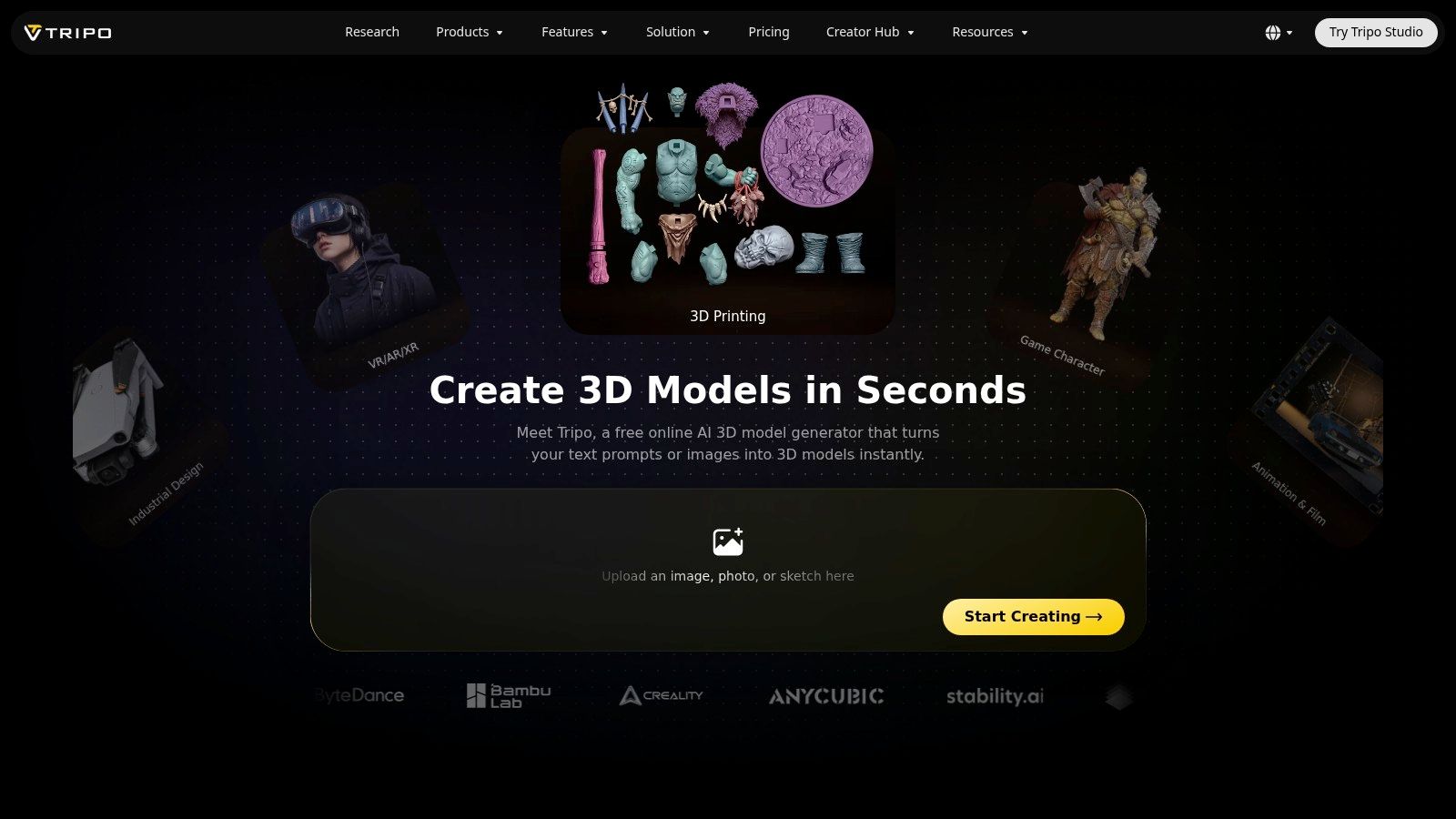
Tripo AI is most useful as a fast single-image generator, not as a replacement for a production modeling pipeline. Its Image to Model workspace covers props and characters, with processing that may take seconds or minutes depending on the task. The workflow suits non-experts who need a plausible starting mesh quickly and can judge quality through repeated previews.
The service uses credits for API access and billing, and provides public tutorials alongside product updates associated with Tripo 3.1 and P2.0. It supports common DCC and game formats, but the current export list, plan limits, and workflow restrictions require verification before production use. Those checks matter more for printing, avatars, or engine delivery than for a one-off concept.
A rapid preview tool, not a complete modeling suite
Tripo AI reduces the time between an image and an inspectable object. A creator can upload a reference, review the result, and test another direction without first learning a full 3D package. That makes it practical for visual prototyping, maker experiments, and early printing checks, provided the mesh is repaired before fabrication.
The constraint is downstream control. In-app editing is narrower than a full DCC workflow, so proportion changes, topology repair, UV work, and surface refinement may require Blender or another external tool. Credit-based billing also makes repeated tests worth planning. Projects that depend on several views, consistent geometry across an asset set, or repeatable automation should review this multi-view 3D reconstruction guide before choosing a single-image shortcut.
Tripo AI fits fast visual prototyping. It fits less well when cleanup, fidelity control, or export validation must remain inside one service.
4. Rodin by Hyper3D
Rodin serves a different workflow from lightweight single-image concept generators. Its Image-to-3D and Text-to-3D modes offer quality tiers, the Gen-2.5 engine, Smart Low-Poly variants, part segmentation, and part-level refinement. These options are relevant to game, film, XR, and printing workflows where the output must be inspected and prepared beyond a rotating preview.
Rodin also supports high-resolution texture workflows, with documentation showing examples reaching 12K texture resolution. That figure describes a product capability, not a promise that every generated asset will retain meaningful detail at that size. Larger textures cannot correct inaccurate geometry, unseen backsides, or weak topology.
Where Rodin earns consideration
Rodin fits production-leaning experimentation when fidelity tiers, alternate polygon counts, or component-level edits matter. A low-poly version can be compared with a higher-detail result, while segmentation lets users refine distinct parts without regenerating the entire object. This is more useful for multi-part assets than for a one-off preview.
Its API may suit teams connecting generation to internal tools or automated production steps. Readers should still evaluate the complete path from credits and generation speed to exports, cleanup, and downstream use in a game engine, print workflow, or avatar pipeline.
The trade-off is configuration overhead. Quality settings, segmentation, texture choices, and API access create more variables than a basic upload page. Before production use, teams should verify billing behavior, support responsiveness, output consistency, and license terms at their intended scale. Community reports mention billing and support concerns, but the supplied material does not quantify them independently. Treat those reports as a reason for controlled testing, not as a platform-wide verdict.
Rodin is a candidate for production-leaning experimentation, rather than the simplest route to a quick printable prototype.
5. Alpha3D
Alpha3D is better evaluated as a production automation tool than as a single-image demo generator. It targets organizations building repeatable commerce or game-asset pipelines, combining image-to-3D and text-to-3D with automated retopology, UV generation, texturing, and rigging. The practical question is whether those outputs remain consistent enough for a catalog, application, or engine after validation.
Category-aware presets can reduce variation across repeated product jobs. Teams can also connect workflows through a REST API. Alpha3D uses one credit or token system for web and API operations, and shows per-operation pricing before submission, which makes a test workflow easier to map than an opaque usage model.
Evaluate the pipeline, not only the mesh
Alpha3D fits teams creating assets in volume. Developers can connect generation to internal software, while production staff can test whether automated materials, UVs, and rigging reduce cleanup. That role differs from a hobbyist workflow focused on one decorative object, and it should be compared by repeatability, export quality, credits, processing time, and downstream compatibility.
The platform's enterprise orientation may limit informal experimentation for individual creators. Assistant or agent actions also consume tokens, so the base generation price does not represent total usage. Run representative jobs and record every operation before forecasting spend.
Validation remains necessary in the destination system. Check naming, UV layout, skeleton behavior, material assignments, scale, and export compatibility in the target engine or catalog. Alpha3D can reduce repetitive preparation, but its value depends on whether the resulting files satisfy those receiving rules. Teams should also verify output consistency and licensing at their intended scale.
6. Polycam AI Capture
Polycam fits a capture-led workflow more than a pure single-image generator. Its iOS AI Capture option can create a model from one uploaded photo, while the same account also supports photogrammetry and LiDAR-based scanning from multiple views. Users can therefore start with a fast concept and switch to richer capture when hidden geometry, scale, or surface detail matters.
When capture beats inference
Single-image generation must infer the unseen side. Multi-image and LiDAR workflows provide additional visual or spatial evidence, which can improve results for irregular forms, complex profiles, and objects whose rear surfaces affect downstream use. Polycam's distinct role is method flexibility, rather than a single fixed route from image to mesh.
That flexibility suits field capture, quick review, and workflows that move between mobile scanning and later export. Its viewer ecosystem and established export process may reduce tool switching, but creators should compare fidelity, capture time, cleanup, credits, export formats, and compatibility with their target DCC, engine, or printer.
AI Capture availability and usage limits depend on the iOS subscription tier, so verify access before standardizing the process. The photo mode is more appropriate for general objects and early concepts than for demanding reconstruction from one difficult view. For a practical comparison of single-image and multi-view choices, consult this image-to-3D model workflow guide. Polycam's strongest advantage is capture flexibility, while users should verify its editing depth and final mesh quality for production work.
7. KIRI Engine
KIRI Engine serves a different workflow from single-image generators. It is a photogrammetry-first platform with web and mobile applications, plus AI-assisted modes such as Featureless Object Scan and Neural Surface Reconstruction. These modes address subjects that can challenge basic photo-to-mesh systems, including shiny or textureless objects with few stable visual features.
Its main advantage is evidence from the capture. Multiple photographs reduce the amount of hidden geometry the system must infer from one view, making KIRI a better fit for object fidelity when the source capture is under your control. Paid plans support unlimited photo uploads, while the platform provides guidance for choosing a capture mode.
A stronger route for object fidelity
KIRI's web studio includes quad remeshing, AI PBR material generation, decimation, and UV workflows. Those tools position it for product captures and assets moving into DCC or game pipelines, rather than quick concept generation alone. A free tier with meaningful exports lets users test the workflow before paying, but current limits should be verified directly.
The trade-off is capture time and discipline. Users must photograph the subject from multiple angles and control lighting, coverage, and background conditions. That effort can produce a more defensible base mesh when a plausible silhouette is insufficient, although shiny, plain, or complex objects may still require cleanup.
Evaluate KIRI across capture time, reconstruction fidelity, credits, export formats, remeshing, materials, UV preparation, and compatibility with the target DCC, engine, or printer. Its role is multi-view reconstruction and production preparation, not instant one-image inference.
Choose KIRI when the source capture is under your control and fidelity matters more than instant inference. Choose a single-image specialist when only one reference is available and a fast approximation is sufficient.
8. Hi3D
Hi3D focuses on quick image-to-3D generation with a particular emphasis on printable meshes and relief workflows. Its public demonstration front end, hi3d.pro, lets prospective users evaluate the basic experience before committing to a paid plan. That public entry point is valuable because preview quality can vary sharply with image composition, object complexity, and background separation.
The service uses credit-based tasks and displays credit information at the task level. Its messaging emphasizes high-resolution geometry and print-oriented output, including STL use cases. For a simple object or a relief prototype, that focus may be more relevant than advanced character rigging or engine integration.
What makers should verify
A printable preview isn't automatically a production-ready print file. Before sending an STL to a slicer, inspect whether the mesh is watertight, whether thin features survived, whether the base is stable, and whether the proportions are physically appropriate. A single image can't establish hidden dimensions, so visual attractiveness and dimensional accuracy should be evaluated separately.
Hi3D's younger ecosystem also means users have less history to draw on than they do with longer-established capture or generation platforms. That doesn't make it unsuitable, but it does increase the value of testing your own representative objects. Simple rigid forms may translate well, while complex organic subjects can expose weaknesses in inferred geometry and surface detail.
Hi3D is a sensible candidate for rapid printable prototypes and reliefs. It should be treated as a starting point for physical validation, not as proof that the model is dimensionally faithful.
9. Modelfy 3D
Modelfy 3D is aimed at quick asset exploration rather than a complete browser-based production pipeline. Its web app combines image-to-3D and text-to-3D generation with model history and asset management, so indie creators can create, compare, and revisit rough props or character concepts without organizing files manually.
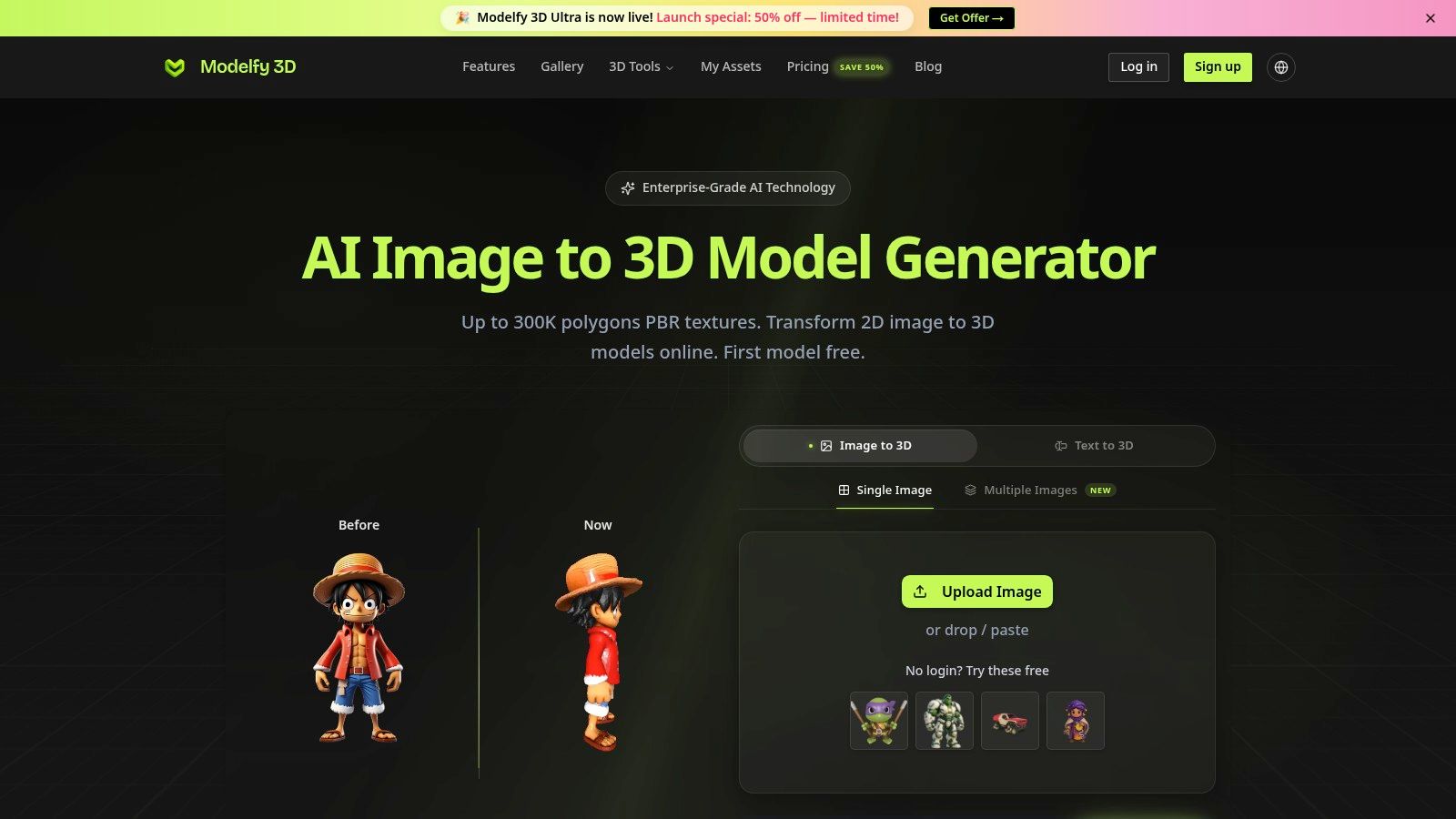
The credit-based plans make usage a planning concern. Check how credits are consumed per generation, whether retries use additional credits, and which export formats are included. Model history has practical value because image-to-3D work often requires changes to the reference, crop, prompt, or viewing angle. Keeping those attempts together makes fidelity and cleanup comparisons more consistent.
The indie creator trade-off
Modelfy 3D suits speed of concept iteration. It can block out a game prop, test a character silhouette, or provide geometry for manual refinement. That role differs from multi-view capture tools, printing-focused services, and avatar platforms. Its main value is the short path from a single reference or text idea to a visual starting point.
Community tutorials may clarify which inputs tend to work, but users should test representative assets rather than judge the service from showcase images. A single-image result still requires inspection of hidden surfaces, topology, scale, materials, and export behavior.
For animation, strict polygon budgets, UV preparation, or engine delivery, plan for Blender or another DCC tool. Verify retopology, rigging, detailed mesh editing, and downstream export requirements before committing to a production workflow. Modelfy 3D is a practical fit for rough assets and comparison-driven iteration, with external cleanup likely for anything beyond an early concept.
10. Avatar SDK
Avatar SDK occupies a narrower role than a general image-to-3D generator. It converts a selfie into a realistic or stylized 3D head or full-body avatar, with outputs including GLB, glTF, and FBX. Its web avatar editor or iframe, Unity and Unreal SDKs, and separate realistic and cartoon pipelines make it relevant to interactive applications.
Its evaluation framework should therefore focus on likeness, human proportions, rig or engine integration, export usability, and the time needed for cleanup. Those criteria differ from object generators, where silhouette, hidden geometry, materials, and topology apply across varied asset types. Confirm whether the selected pipeline supports the required body coverage, editing controls, file format, and downstream engine workflow.
Built for product integration
The cloud API, web creator, SDK support, and documentation support developers building games, apps, or other personalized-avatar experiences. The MetaPerson demo provides an online way to test the basic flow before integrating it. Heads and full bodies serve different production needs, so verify the applicable generation, export, and customization features rather than assuming they are shared.
The trade-off is scope. Avatar SDK is poorly matched to furniture, tools, products, creatures, or arbitrary props. Enterprise API access and some workflows may involve sales contact, which makes availability, licensing, commercial terms, and credit or usage rules worth checking early.
Choose Avatar SDK when the source is a person and the destination is an interactive avatar system. For single-image generation across general objects, printing, or broad asset prototyping, compare a general image-to-3D tool instead. Its value lies in integration and avatar-specific output, not in replacing a general-purpose modeling pipeline.
Top 10 Image-to-3D AI Online Tools Comparison
| Product | Core capabilities | UX & Quality ★ | Pricing & Value 💰 | Target audience 👥 | Standout ✨ |
|---|---|---|---|---|---|
| Sculpty 🏆 | Multi‑engine text→3D + image/multi‑view→3D; PBR 4K texturing; remesh/retopo; 4K render & 360°; GLB/STL/OBJ/FBX/USDZ/3MF exports | Unified browser studio, consistent prompt/gallery/export pipeline; ★★★★☆ | Subscription + unified credits; commercial rights on paid plans; 💰tiered (public pricing varies) | 👥 Creators, game artists, 3D printing & studios | ✨Routes prompts across top engines; end‑to‑end pipeline; assets persist after cancel; priority/early access tiers |
| Meshy | Image→3D & Text→3D; single/multi‑view; FBX/OBJ/GLB/USDZ/STL/Blend exports | Fast turnaround with in‑app tutorials; ★★★★ | Credit‑based tasks with visible per‑task costs; 💰clear tiering | 👥 Concept artists, hobbyists, 3D printers | ✨Predictable pricing, strong onboarding, rapid concepting |
| Tripo AI | Image→Model fast cloud flow; credit API; common DCC exports | Approachable, rapid previews; ★★★★ | Credit‑based API & billing; 💰API-optimized | 👥 Non‑experts, rapid iteration creators | ✨Very fast generation for quick props/characters |
| Rodin (Hyper3D) | Image & Text→3D with quality tiers; smart low‑poly; high‑res textures; API | Production controls for cleaner geometry; ★★★★☆ | Tiered/enterprise pricing; 💰enterprise‑focused | 👥 Game/film/XR teams & studios | ✨Part refinement, smart low‑poly, very high‑res texture support |
| Alpha3D | Image/text→3D + automated retopology, UVs, texturing, rigging; REST API | Bulk automation & consistency; ★★★★ | Token/credit system with per‑operation previews; 💰team/enterprise pricing | 👥 E‑commerce teams, studios, devs | ✨Automation for bulk assets; developer‑friendly API |
| Polycam (AI Capture) | iOS AI single‑photo + photogrammetry/LiDAR; mature export/viewer | Strong mobile UX; integrates LiDAR scans; ★★★★☆ | Subscription tiers; some features gated by app tier; 💰subscription | 👥 Mobile creators, photogrammetry pros | ✨Combines AI single‑photo with full photogrammetry/LiDAR pipeline |
| KIRI Engine | Photogrammetry-first; AI modes for featureless subjects; quad remeshing; PBR | Polished DCC/game pipelines; quad remeshing; ★★★★☆ | Paid plans with unlimited photos on some tiers; 💰good value for product capture | 👥 Product capture pros, studios | ✨Specialized capture modes for shiny/featureless objects |
| Hi3D | Single‑image→textured mesh with print emphasis; public demo | Fast for simple/printable objects; ★★★★ | Credit‑based with per‑task display; 💰pay‑per‑task | 👥 Makers, 3D printing prototypers | ✨Public demo + print‑ready STL/relief focus |
| Modelfy 3D | Lightweight single‑image/text→3D; asset workspace & history | Simple, fast UI for rapid iteration; ★★★★ | Credit tiers aimed at indie use; 💰indie‑friendly | 👥 Indie creators, concept artists | ✨Speedy iteration and minimal UI friction |
| Avatar SDK | Selfie→3D head/full‑body; web editor, Unity/Unreal SDKs; GLB/FBX exports | Mature dev tooling and editor; ★★★★☆ | API/enterprise pricing; 💰developer oriented | 👥 Game/app developers needing avatars | ✨Realistic & stylized avatar pipelines + SDK integrations |
Choose by Workflow, Not by Demo Image
The evidence points to a market that has moved beyond the proof of concept. One industry forecast valued the global AI-driven image-to-3D generator market at USD 327.11 million in 2025, projected USD 393.84 million in 2026 and USD 2,093.91 million by 2035, with a projected 20.40% CAGR from 2026 to 2035. A separate forecast estimated USD 242.64 million in 2024 and USD 1,153.07 million by 2032, with a projected 21.51% CAGR. The different estimates also reveal a category-definition problem. “AI 3D generation” can include object reconstruction, avatars, text-to-3D, capture, and production automation.
Performance research reinforces the need for a workflow-based decision. 3DGen-Bench uses large-scale human preferences rather than relying only on geometric similarity metrics. On its image-to-3D track, Wonder3D, OpenLRM, and Stable Zero123 recorded average Elo scores of 1304.05, 1279.67, and 1200.69, respectively. Those results help compare models under a benchmark, but they don't answer whether a generated asset has clean topology, usable UVs, reliable scale, or an export that fits your production system.
A separate 2025 survey of generative AI in film production reported AI-generated 3D assets in 23.7% of surveyed workflows, up from 0.0% in 2023. The same survey noted that users rated 3D generation tools lower than video-generation tools because meshes often lacked desired style, clean topology, and fine-structure fidelity. That gap explains why the most attractive preview isn't necessarily the most valuable result.
Use this decision sequence:
- Define the input: If you have one image, compare inference-based generators. If you can capture several views, include Polycam or KIRI Engine, because additional visual evidence can improve reconstruction.
- Name the destination: A concept asset, game-ready mesh, printable object, commerce catalog model, and human avatar have different requirements.
- Inspect the geometry: Check hidden surfaces, silhouette, scale, intersections, thin parts, watertightness, and polygon structure.
- Test the handoff: Open the actual export in Blender, Unity, a slicer, or the application that will receive it. Don't assume a listed format guarantees a clean import.
- Measure the workflow cost: Compare credits for generation, retries, texturing, remeshing, and API operations, not only the first task.
- Plan cleanup: Research such as Turbo3D shows that high-quality 3D generation can approach ultra-fast, feed-forward workflows, but speed doesn't remove retopology, editing, export checks, or asset QA.
- Use multiple views where accuracy matters: Ouroboros3D reflects research attention on 3D-aware feedback and consistency, while also underscoring that geometry ambiguity remains a core challenge for single-image systems.
The practical method is simple. Choose a representative image, run it through a small shortlist, and compare the complete path from upload to delivery. Keep the same reference, destination, quality target, and cleanup standard for each test. If you need a general object from one image, start with Sculpty, Meshy, Tripo AI, Rodin, Hi3D, or Modelfy 3D. If you can capture multiple views, consider Polycam or KIRI Engine. If you need automation, evaluate Alpha3D or Rodin's API. If the asset is a person, use Avatar SDK.
Sculpty deserves special attention when your main problem is fragmentation. Its browser-based studio combines multiple engines with PBR texturing, remeshing, retopology, rendering, conversion, gallery management, and exports across GLB, STL, OBJ, FBX, USDZ, and 3MF. That doesn't eliminate the need to inspect assets, but it gives you one place to compare generation approaches and prepare the result for Blender, Unity, or 3D printing.
Sculpty brings single-image and multi-view generation, PBR texturing, remeshing, retopology, 4K rendering, 360° turntables, and broad file exports into one browser-based studio. If you want to compare engines without managing separate accounts and then move the result toward a game, DCC package, or printer, visit Sculpty and test the workflow with an image that represents your real project.