
7 Water 3D Model Sources and Techniques
The popular advice is to find one convincing water mesh and reuse it everywhere. That usually fails. A purchased surface may look right in a still render but lack animation controls, while a fluid simulation may produce excellent motion but create more data than a game engine or client handoff can handle. A material library can solve reflections and roughness without supplying the geometry you need.
Choose the workflow before the asset. Evaluate the visual goal, animation requirements, topology, material controls, licensing, target application, scale, and delivery format. The right source depends on whether you're procuring a river mesh, building interactive waves, matching a shoreline, or preparing a clean asset for export. Sculpty can support the surrounding workflow with browser-based generation, image-to-3D conversion, PBR texturing, remeshing, retopology, 4K rendering, and standardized exports. It isn't a replacement for dedicated fluid simulation, but it can help turn references and supporting objects into usable scene assets.
Table of Contents
- 1. Sketchfab
- 2. CGTrader
- 3. TurboSquid by Shutterstock
- 4. Fab by Epic Games
- 5. Quixel Megascans
- 6. Poliigon
- 7. polygoniq Aquatiq
- Top 7 Water 3D Model Marketplaces, Comparison
- Turn the Shortlist Into a Reliable Water Pipeline
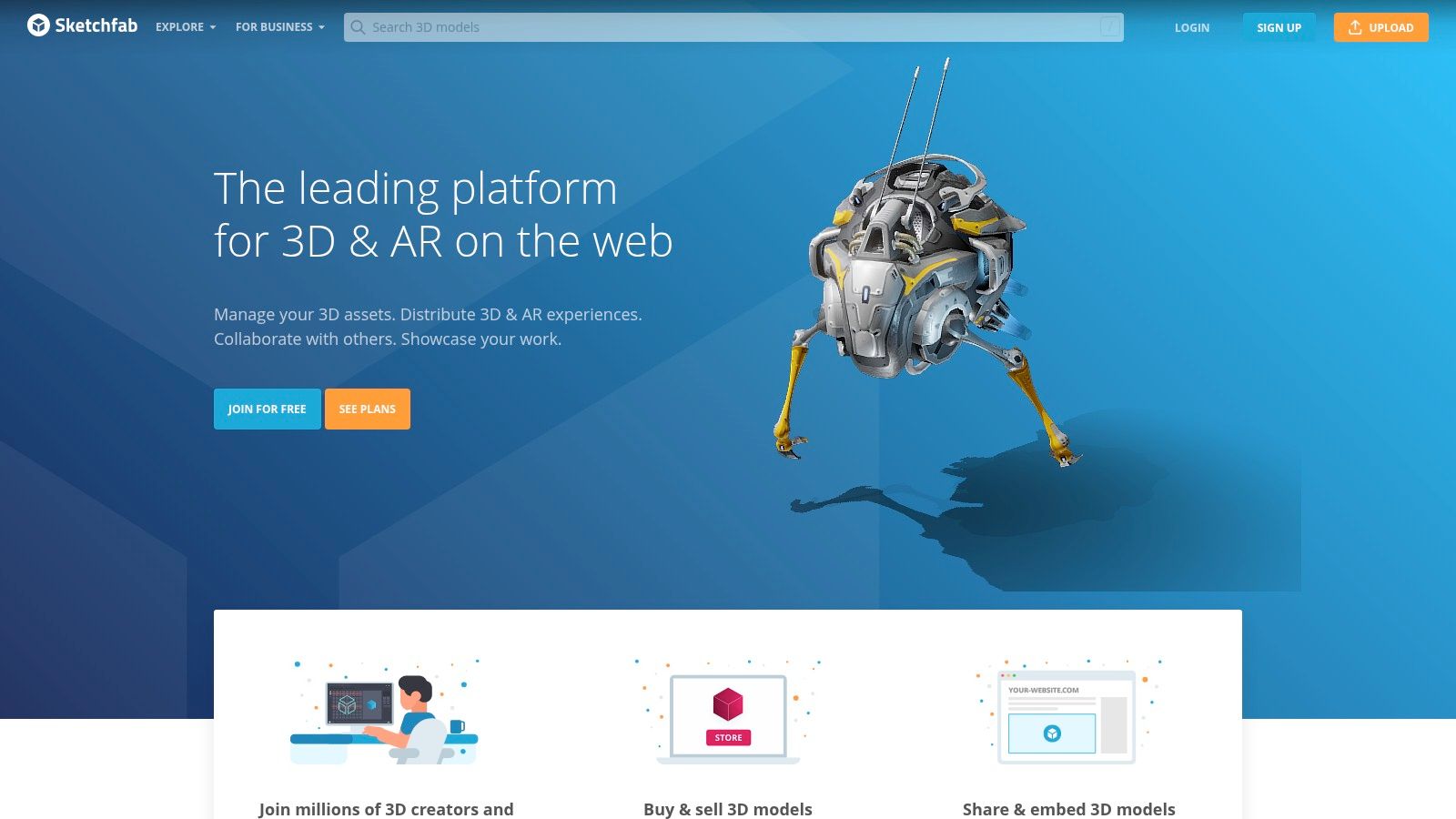
1. Sketchfab
Sketchfab is the most useful starting point when procurement speed matters. Its marketplace includes water-related models across oceans, rivers, waterfalls, pools, splashes, and stylized environments. The browser viewer lets you inspect the asset before downloading or buying it, including its materials and, where available, its wireframe. That preview is valuable because a glossy thumbnail can hide stretched UVs, excessive geometry, or a surface that only works from one camera angle.
The platform suits kitbashing and rapid scene assembly. A designer can source a waterfall section for a concept render, combine a splash element with a boat, or use a stylized ocean surface as a background layer. Paid assets generally provide a royalty-free store license, while free listings may use different Creative Commons terms. Treat the license shown on each listing as part of the asset specification, not as a platform-wide assumption.
Practical rule: Inspect the mesh, maps, and license before you judge the water material. A convincing viewer preview isn't proof that the download is production-ready.
Where Sketchfab works best
Sketchfab is strongest when the exact geometry is more important than procedural control. It can save modeling time for a specific splash silhouette, a decorative fountain, or a prebuilt environment element. The Developer Download API can also support automated ingest for teams building a controlled asset pipeline, although the downloaded files still need validation before they enter a production library.
Quality varies substantially between creators. Check whether the surface is a real deformable mesh, a camera-facing card, a sculpted splash, or a simple plane with a shader. Confirm the coordinate system, scale, UV layout, texture paths, and whether the file contains animation. For a browser-based cleanup workflow, you can review related assets in a 3D model viewer online, then use Sculpty for supporting props, texture passes, remeshing, or format conversion.
2. CGTrader
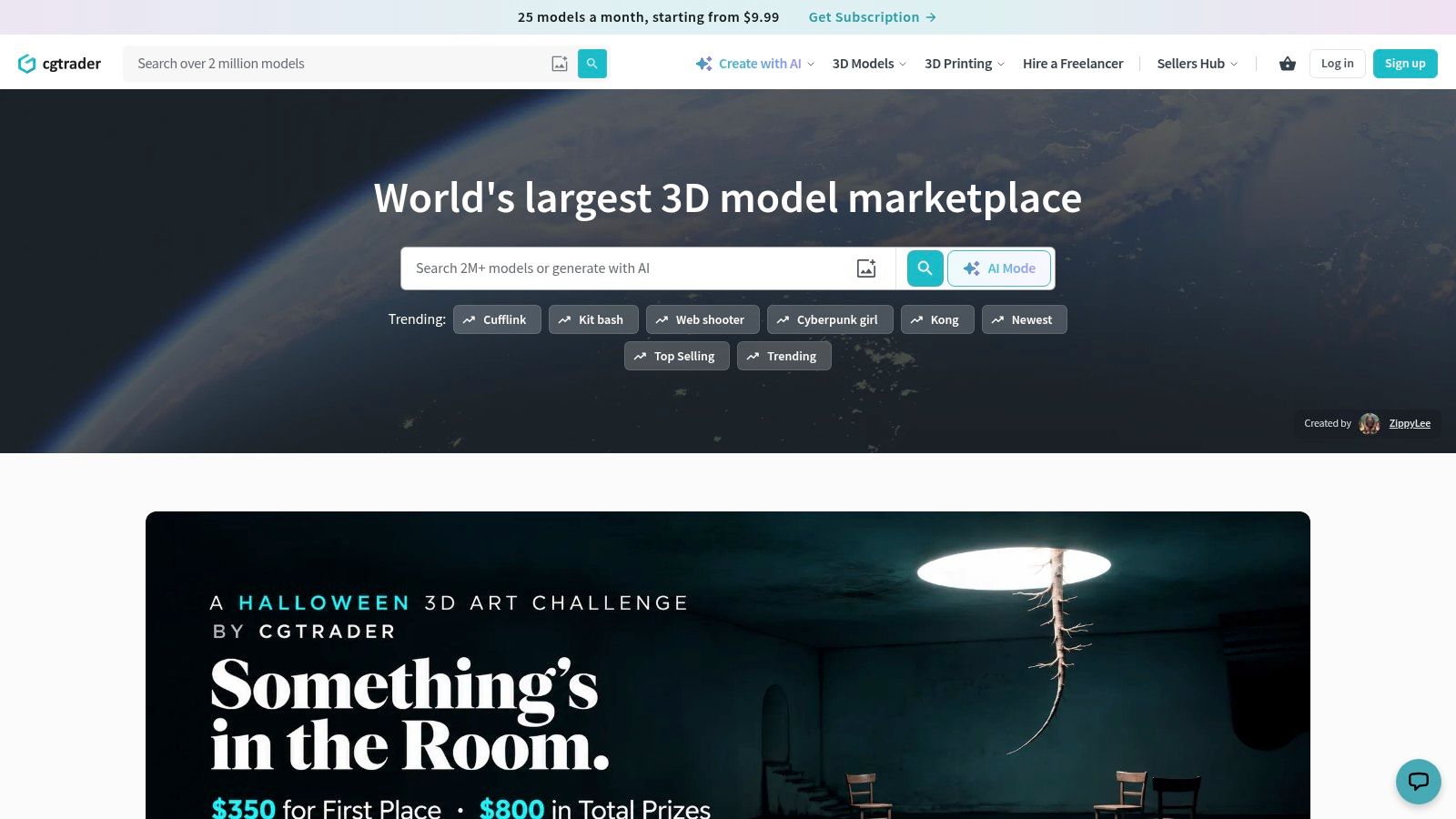
CGTrader is a practical choice when you need a prebuilt mesh or a collection of splash elements in familiar DCC formats. Its water catalog covers sea, ocean, nature, and related environment categories, while individual creators often package multiple splashes, droplets, waves, or foam forms together. That makes it useful for a shot that needs several distinct water events rather than one continuous simulated surface.
The main advantage is speed. An OBJ, FBX, or 3ds Max file can give an artist a usable starting point for a VFX scene, product visualization, or environmental blockout. The trade-off is consistency. Two assets in the same category may have very different polygon density, UV quality, origin placement, scale, and texture conventions. Older listings may also lack PBR maps or contain geometry that isn't watertight, which matters if you're sending the asset toward fabrication or physical prototyping.
Validate before importing
Don't judge a splash pack only by silhouette. Open the file in your target DCC and inspect:
- Topology: Look for non-manifold edges, unnecessary subdivisions, long thin triangles, and dense areas that don't contribute to the silhouette.
- UVs and maps: Confirm that the UV islands exist and that roughness, normal, opacity, and displacement maps are included where the listing promises them.
- Animation behavior: A frozen splash mesh won't replace a time-dependent simulation. Use it as a baked element unless the file includes tested animation data.
- Scene hygiene: Check units, object names, transforms, hidden objects, material assignments, and linked texture paths.
That makes common 3D file formats more than a technical detail. Format compatibility affects whether the asset arrives with its materials, whether animation survives import, and how much cleanup follows. CGTrader is a strong procurement source, but the production result depends on the inspection pass after download.
3. TurboSquid by Shutterstock
TurboSquid fits studios that need a broad marketplace with clearer commercial purchasing conventions and support for professional production. Its water selection spans low-poly rivers, detailed ocean surfaces, splash kits, and assets aimed at games, visual effects, and architectural visualization. Filters for polycount and style help narrow procurement, while editorial and commercial indicators provide an early signal about how an asset may be used.
The platform's value isn't only catalog size. A studio often needs a documented license trail, predictable purchase records, and an asset that can move through review without informal permission checks. TurboSquid's standard royalty-free licensing and enhanced or enterprise tiers can suit that environment. However, licensing still requires per-item review. Editorial restrictions, redistribution limits, and the distinction between using an asset in a final image versus distributing the source file can affect the decision.
A fit for controlled procurement
TurboSquid works well when the asset will pass through an established pipeline. Before approval, compare the listing's file formats, texture resolution, rig or animation data, polygon count, and compatibility notes with the target application. A high-detail ocean mesh may be appropriate for a close cinematic shot but wasteful for a distant architectural view. A low-poly river can be a better choice for interactive use if the shader supplies most of the surface variation.
Topology quality also varies by author. Don't assume a professional marketplace guarantees clean quads, efficient edge flow, or production-ready UVs. Test the file in the actual renderer or engine, replace missing material links, normalize scale, and save a clean internal version. TurboSquid is most useful when you treat procurement, legal review, and technical validation as separate gates rather than expecting the marketplace listing to complete the whole workflow.
4. Fab by Epic Games
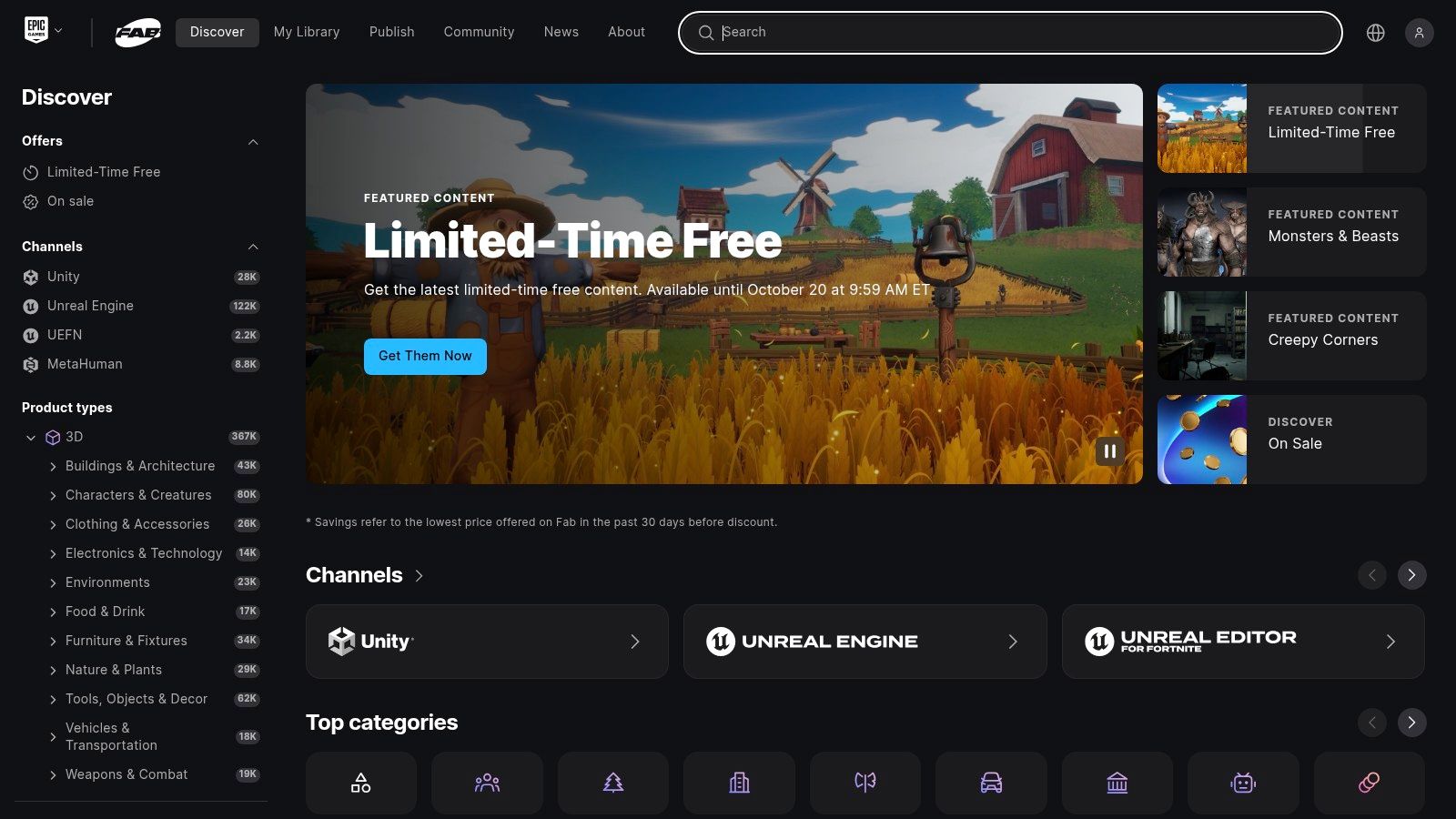
Fab is the natural shortlist candidate for Unreal-centered production. The marketplace brings together water meshes, stylized oceans, materials, shaders, and environment kits, so teams can source geometry and the surrounding look-development components in one place. Its Unreal integration supports a smooth path from marketplace browsing into an engine project and onward to DCC workflows.
That integration changes the buying decision. A material or water system that arrives with tested Unreal settings may be more useful than a visually richer mesh that requires a full rebuild. Fab can reduce friction during prototyping, especially when the scene needs an interactive camera, shoreline blending, engine lighting, or runtime parameter control. It isn't automatically the best source for Blender, Unity, offline rendering, or a neutral asset library, so confirm the actual export path before committing.
Choose systems over surfaces for interactive scenes
A static water 3D model can provide a readable silhouette, but interactive water usually needs more. Look for wave controls, material parameters, collision behavior, foam handling, shoreline interaction, and performance notes. If the product is only a decorative mesh, test whether it deforms, animates, or responds to gameplay. If it is a shader or engine system, check whether the visual result depends on Unreal-specific nodes or plugins.
Fab's catalog and licensing conventions continue to evolve, so verify the current terms for every asset. Check whether the license covers the intended commercial project, whether source files can be shared with contractors, and whether the asset can leave the engine. For Unreal teams, the export workflow is a major advantage. For a cross-DCC pipeline, a neutral GLB, FBX, or OBJ delivery may be more important than tight engine integration.
5. Quixel Megascans
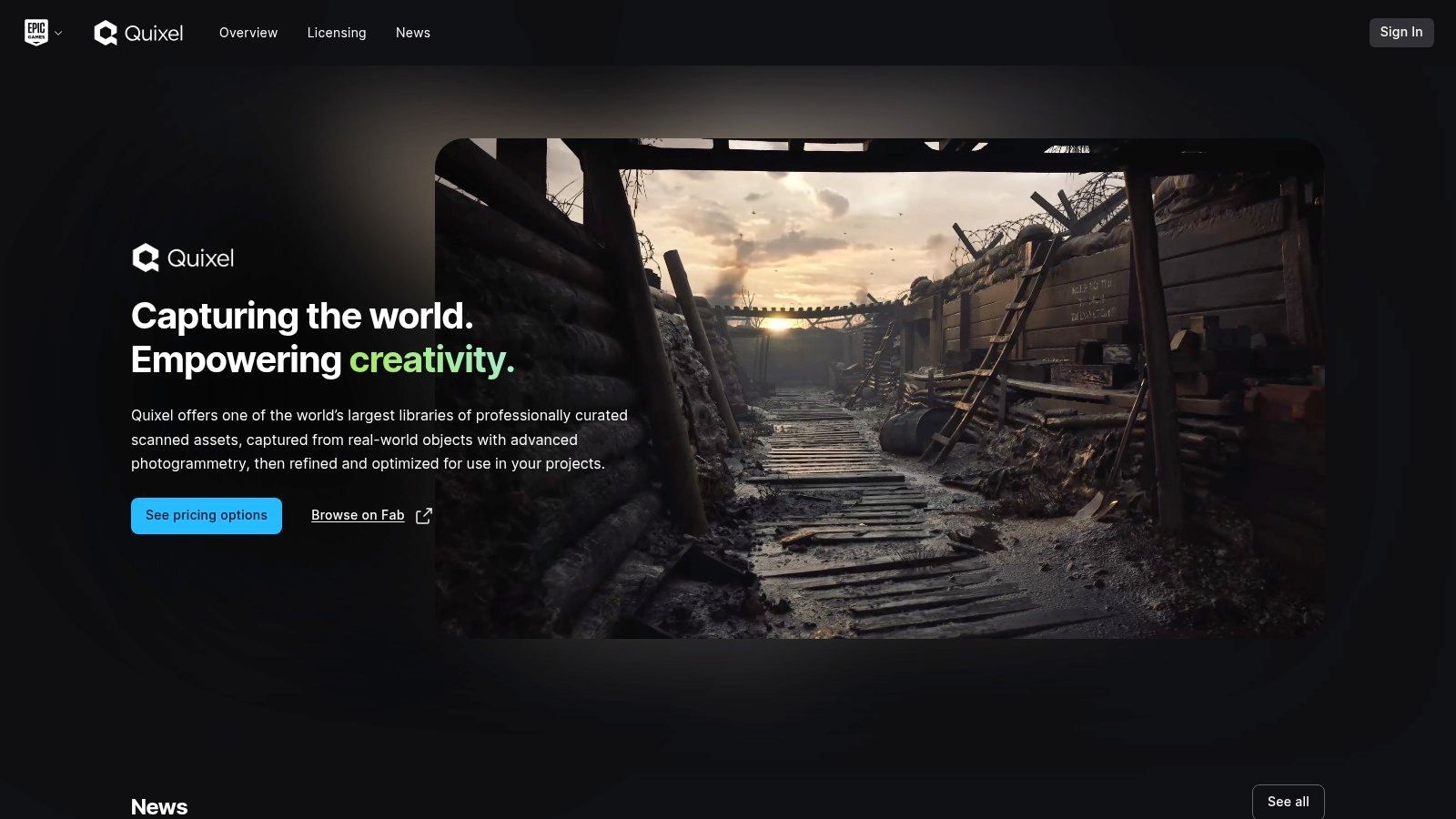
Quixel Megascans solves a different problem from a conventional water marketplace. It is particularly useful for the material context around water, including wet rocks, muddy banks, shorelines, puddles, foam, and roughness-driven surface detail. Those assets help a synthetic ocean or river sit convincingly in its environment, which is often more important than adding another highly detailed water mesh.
The library's physically scanned surfaces provide a consistent starting point for photoreal environments. Through Quixel Bridge and related Unreal workflows, artists can move scan assets into a project quickly, then combine them with engine-level water systems. That distinction matters. Megascans is generally a complement to procedural or engine-native water, not a universal source of animated mesh water.
Build the environment around the water
A clean workflow separates the water system from its contact materials. Use a water surface or solver for motion, then use scanned shoreline assets to establish wetness, sediment, rock breakup, foam deposits, and transitional roughness. Match the scale and orientation of the scans before layering them against the water boundary. A perfect wave can still look artificial if the bank stays dry at the contact edge or the foam ignores the terrain.
Review licensing and access terms for the intended application, especially if the assets will be used outside Unreal or distributed as part of a broader library. Also check texture paths, virtual-texture requirements, shader dependencies, and memory behavior. Megascans is a strong choice for material realism and environmental continuity, but it won't answer the motion problem by itself. Use it alongside an engine water system, a procedural setup, or a simulation that can produce the required wave and shoreline behavior.
6. Poliigon
Poliigon is the right source when the geometry is already available but the surface still looks flat. Its water-related materials and maps can provide normal, roughness, displacement, and other PBR inputs for water surfaces, droplets, ripples, and wet objects. That makes it more relevant to product rendering, archviz, and still imagery than to a scene that needs physically simulated fluid motion.
PBR maps don't create a simulation. They describe how a surface responds to light, and they need a suitable shader, UV layout, coordinate system, and renderer. A ripple normal map can suggest small-scale movement, but it won't produce a breaking wave, a splash around an obstacle, or changing shoreline foam. For animation, pair the material with displacement, procedural waves, geometry nodes, particles, or a dedicated water system.
Use maps to control perception
Poliigon is valuable when the water's realism depends on controlled highlights rather than complex geometry. Tune roughness variation first, then adjust normal strength and displacement so the surface doesn't become lumpy at the wrong scale. Reflection and refraction also depend on the lighting setup, camera angle, scene environment, and renderer. A material that works in a studio-style product scene may need different settings in an outdoor environment.
Licensing is comparatively straightforward for commercial workflows, with plan options intended for individual, team, and business use. Still, review whether the maps can be embedded in a distributed game build, client delivery, or reusable template. A PBR texture generator can help create or refine supporting assets when a purchased surface doesn't match the art direction. Use Poliigon for repeatable surface treatment, not as a substitute for animated water geometry.
7. polygoniq Aquatiq
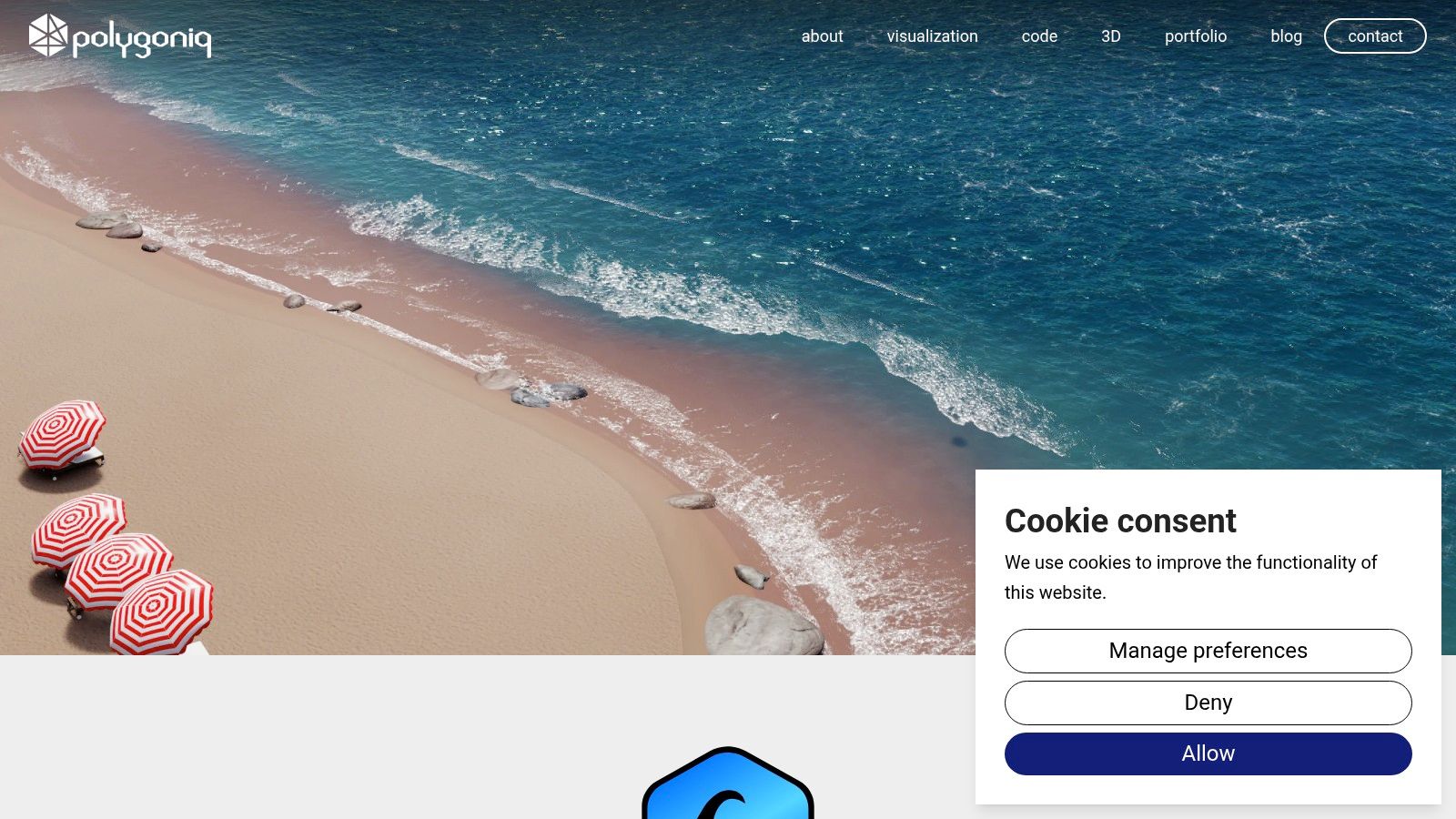
polygoniq Aquatiq is built for Blender artists who want to art-direct animated water without assembling every node graph from scratch. Its focus is narrower than a general marketplace, with tools and presets for lakes, rivers, oceans, fountains, rain, puddles, foam, and related materials. That specialization makes it useful during look development, especially when the scene needs quick iterations inside Blender.
Aquatiq's main strength is control at the artist level. Presets can establish a believable starting point, while Blender materials, geometry nodes, lighting, and animation controls let the artist adapt the result to the shot. Eevee and Cycles support makes it practical to preview quickly and then refine for a higher-quality render. The tool won't replace a specialist solver for every fluid interaction, but it can cover many design-driven water scenes where direct art direction matters more than strict physical reconstruction.
Keep the Blender boundary in mind
Aquatiq is Blender-centric, so evaluate the handoff before building the whole scene around it. A native setup may not transfer cleanly to Unity, Unreal, or another DCC as editable procedural logic. Exporting a baked mesh can preserve the visible result, but it may lose controls, material behavior, or animation relationships. Confirm whether the downstream application needs a static surface, a baked sequence, textures, or a complete procedural system.
Library redistribution is also restricted, so review the Aquatiq license before sharing project files, templates, or source assets with clients and collaborators. For Blender-based animation, fast iteration, and art-directed water, it can be more efficient than assembling a setup manually. For a cross-platform asset library, a marketplace purchase or a standardized baked export may be safer. The correct choice depends on whether you value editable controls or portability at the end of the pipeline.
Top 7 Water 3D Model Marketplaces, Comparison
| Marketplace / Tool | Implementation Complexity 🔄 | Resource Requirements ⚡ | Expected Outcomes ⭐📊 | Ideal Use Cases 💡 | Key Advantages |
|---|---|---|---|---|---|
| Sketchfab | Low, download-ready meshes, simple ingest 🔄 | Moderate, mixed paid/CC licensing, occasional conversion ⚡ | Variable quality by asset; quick results for prototypes ⭐⭐📊 | Rapid kitbashing, scene assembly, quick prototyping 💡 | Huge catalog, in-viewer inspection, Developer Download API |
| CGTrader | Low–Medium, commonly delivered DCC formats, check topology 🔄 | Moderate, purchase/inspect assets; some older items lack PBR ⚡ | Many production-ready OBJ/FBX meshes and splash packs ⭐⭐📊 | VFX shots, fast splash/mesh integration, game/film assets 💡 | Themed packs, competitive pricing, broad format support |
| TurboSquid (Shutterstock) | Medium, enterprise workflows, licensing review 🔄 | High, predictable licensing tiers, possible higher cost ⚡ | Consistent coverage for studio needs; high-quality options ⭐⭐⭐📊 | Studio pipelines, archviz, VFX with enterprise support 💡 | Predictable licensing, extensive catalog, studio-grade assets |
| Fab (Epic Games) | Low, one-click Unreal export, integrated workflows 🔄 | Moderate, best with Unreal; verify per-asset licenses ⚡ | Streamlined import/export; good for engine-ready setups ⭐⭐📊 | Unreal projects, batch exports, shader/material sourcing 💡 | Tight Unreal integration, license filters, centralized marketplace |
| Quixel Megascans | Medium, complements engine water systems, not mesh sims 🔄 | High, plan-based access; optimized Quixel Bridge/Unreal ⚡ | Very high photoreal surface fidelity for shorelines/wet maps ⭐⭐⭐📊 | Photoreal environments, shore/rock wetness, high-detail renders 💡 | Physically scanned quality, seamless Bridge→Unreal export |
| Poliigon | Medium, requires shader/material setup in DCC/engine 🔄 | Moderate, subscription for bulk use; clear commercial license ⚡ | Consistent PBR textures for convincing water surfaces ⭐⭐📊 | Archviz, product renders, improving material fidelity 💡 | High-quality PBR maps, consistent commercial licensing |
| polygoniq Aquatiq | Low, Blender-centric presets and geometry-node tools 🔄 | Low–Moderate, Blender-only; license redistribution limits ⚡ | Fast believable, animatable water inside Blender ⭐⭐📊 | Blender look-dev, animated lakes/rain/fountains, rapid iteration 💡 | Blender-optimized presets, frequent updates, good docs |
Turn the Shortlist Into a Reliable Water Pipeline
A water 3D model isn't a single asset category. It can mean a purchased splash mesh, a procedural ocean surface, a shader-driven plane, a baked simulation, a scan-based shoreline, or a complete engine system. Choose according to the production problem. Marketplaces such as Sketchfab, CGTrader, and TurboSquid are useful when you need a specific mesh quickly. Fab suits Unreal-centered interactive work. Quixel Megascans and Poliigon solve material and environmental realism. Aquatiq is better for Blender-based art direction and animation.
The most common mistake is approving an asset from its thumbnail. Inspect topology, UVs, texture maps, scale, object transforms, animation behavior, material dependencies, and license terms before it enters production. A visually strong surface may still fail because it can't deform, has no usable UVs, depends on a proprietary shader, or arrives at the wrong scale. Conversely, a simple mesh can work well when the renderer or engine provides the motion, reflections, refraction, and foam.
Production lesson: Keep authoritative simulation or procedural data separate from presentation exports. A simplified mesh is useful only after the source terrain, water boundaries, and motion requirements have been checked.
This separation is important in engineering and planning work. A Glasgow urban flood case study found that a three-dimensional water-surface representation agreed well with established two-dimensional results at key validation locations, while adding vertical context for buildings, streets, and flow depth. The practical implication is clear: visual 3D adds interpretation value, but accuracy still comes from validated terrain, boundary conditions, roughness parameters, and checkpoints. The Glasgow flood-model study supports using the rendered surface as an interpretation layer, not as proof that a visually realistic mesh is hydraulically correct.
Sculpty can support the asset work around that source data. Generate or convert a base object, apply prompt-driven PBR texturing, remesh or retopologize geometry that needs cleanup, inspect the result in the private gallery or web viewer, stage a 4K render, and export a suitable format such as GLB, OBJ, FBX, USDZ, STL, or 3MF. That workflow is well suited to boats, rocks, docks, shoreline props, product elements, and reference-driven scene components. Dedicated fluid simulation should still handle the water behavior when motion, pressure, splashing, or obstacle interaction is central to the shot.
Before production, confirm five things:
- Realism: Does the result need physical behavior, convincing material response, or only a readable silhouette?
- Motion: Will the surface remain static, use procedural controls, play a baked animation, or respond interactively?
- Performance: Can the target engine, renderer, or viewer handle the topology, textures, particles, and shader complexity?
- Portability: Will the asset remain editable after export, or is a baked presentation version acceptable?
- Delivery: Are the file format, scale, UVs, texture paths, licensing, and redistribution rights ready for the final handoff?
A reliable water pipeline starts with that decision, not with the most attractive marketplace preview.
Sculpty provides browser-based text-to-3D and image-to-3D generation, PBR texturing, remeshing, retopology, 4K rendering, web review, and exports for supporting water-scene assets. Visit Sculpty to prepare props, references, and presentation-ready models around the water workflow you choose.