
Best Game Engine for 2D in 2026: 7 Picks Compared
You've got a pixel-art platformer idea, a weekend to prototype it, and an empty project folder. A visual editor promises quick results, a scripting-first framework offers control, and a full engine gives you tools you might need later. Choosing between them feels harder than implementing the jump.
The best game engine for 2D depends on who's building the game, where it must run, and which costs you're willing to carry. A solo beginner needs a different workflow from a web-first studio. A royalty-sensitive indie may prioritize source access, while a multi-platform team may care more about middleware, console publishing, and finding experienced collaborators through media industry engineering recruitment.
Before committing, identify your first shipping platform, your preferred way to build logic, and any licensing restrictions you won't accept. Don't choose an engine for a hypothetical sequel while making your first playable scene harder to finish.
These seven picks cover distinct situations: Godot, Unity, GameMaker, Construct 3, GDevelop, Phaser, and Defold. Compare their editing tools, scripting workflows, licensing, publishing reach, and failure points. The useful question isn't which engine has the longest feature list. It's which one lets you finish your game without creating an expensive problem later.
Table of Contents
- 1. Godot
- 2. Unity
- 3. GameMaker
- 4. Construct 3
- 5. GDevelop
- 6. Phaser
- 7. Defold
- How the Seven Best Game Engines for 2D Compare on License, Language, and Best Use
- Match the Engine to Your Project and Start Prototyping This Week
1. Godot
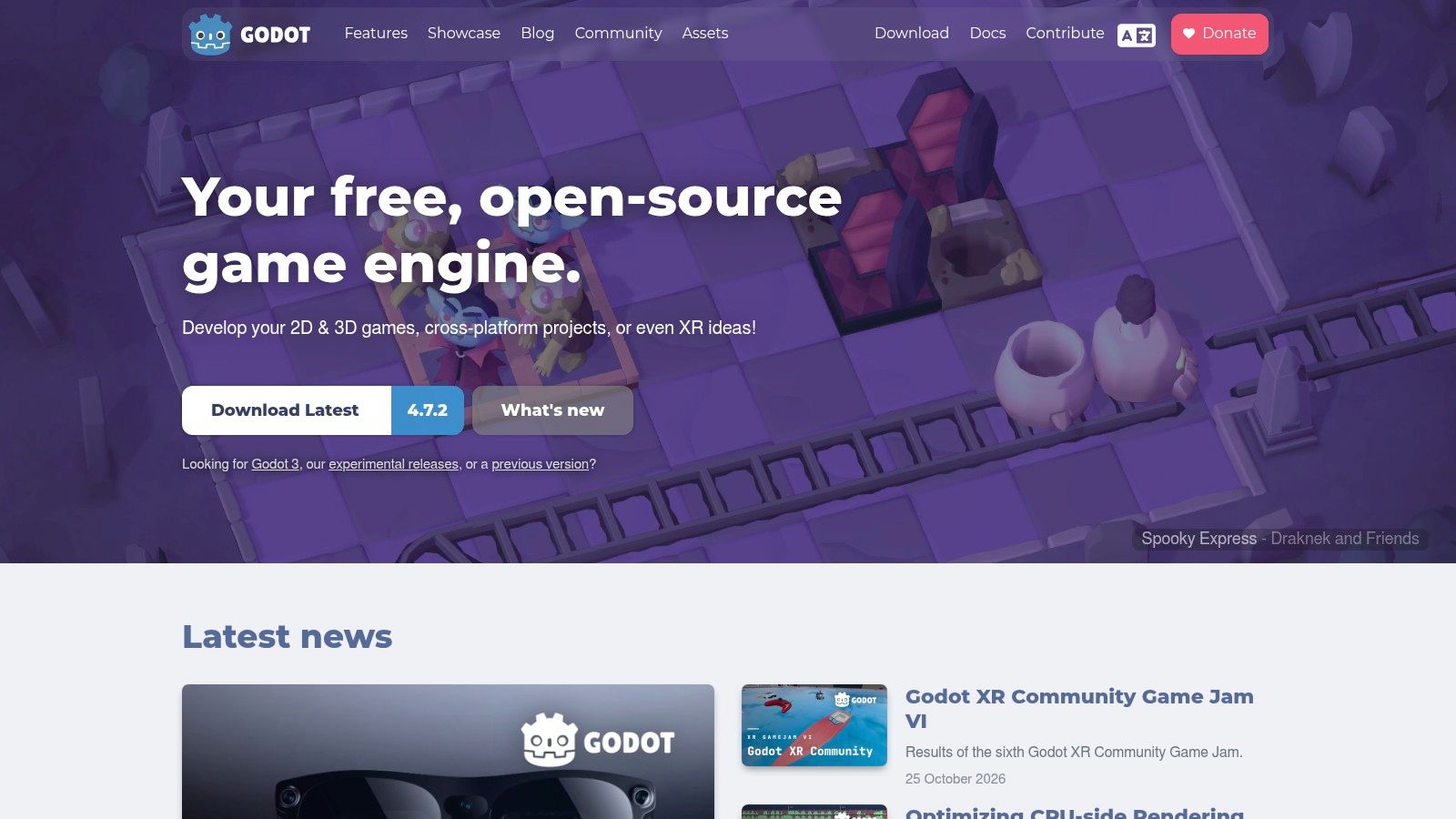
Best for royalty-sensitive indies who want an integrated, programmable editor. Godot combines dedicated 2D rendering with tilemaps, physics, animation, and UI tools. Its scene-and-node system lets you build a reusable player scene and instance it in levels without duplicating its internal setup.
GDScript is the most direct starting point because it fits closely with the editor. Godot 4 also supports C# through its .NET build, while C++ extensions use GDExtension. Choose a language based on your deployment requirements, not familiarity alone. Godot's MIT license and lack of recurring engine royalties suit developers who want to retain control of their project.
Where Godot Fits and Where It Doesn't
- Strong fit: Sprite-heavy platformers, UI-driven games, and small teams that want gameplay, animation, and scene editing in one environment.
- Production advantage: You can inspect and modify engine source instead of relying entirely on a vendor's roadmap.
- Poor fit: Projects that depend on turnkey console publishing or a specific proprietary integration before the team has confirmed the route.
Console work may require a porting partner or third-party arrangement. Check that path before promising platforms to a publisher, rather than waiting until the desktop version is finished.
Godot also supports mixed-dimensional presentation. For games that place simple meshes behind sprites, a low-poly character model workflow can help establish the art direction without changing engines.
Practical rule: Build the awkward part first. In Godot, that might mean testing a required plugin, a browser export, or the console-porting route before polishing another movement demo.
Choose Godot when you want a flexible full engine and can take responsibility for the integrations your game requires.
2. Unity
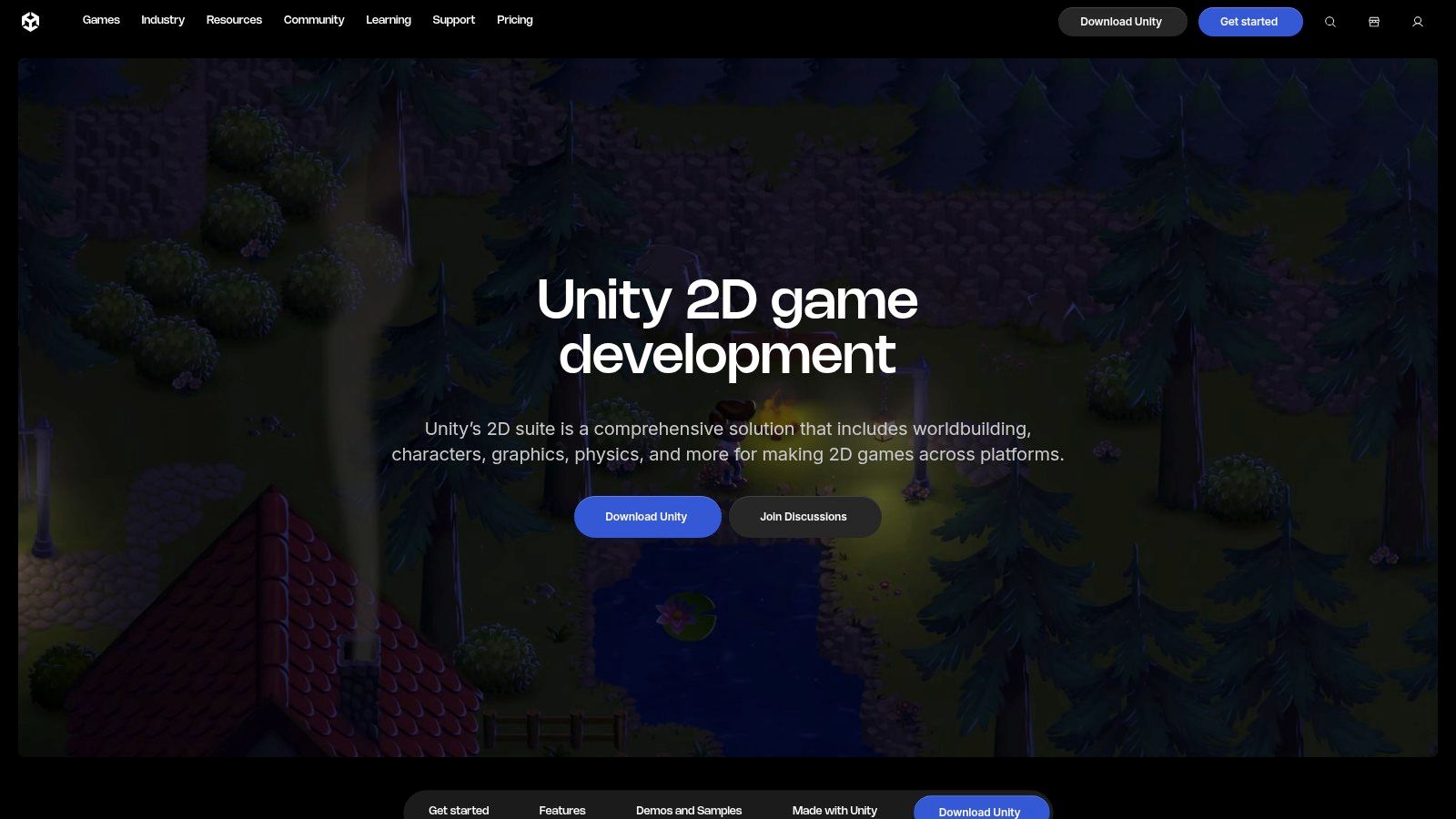
A mobile release, desktop build, outside contractors, and a possible console port create different requirements from a weekend prototype. Unity is the strongest fit here when production coordination matters as much as drawing sprites.
Unity's 2D tools include tilemaps, sprite animation, 2D physics, sprite atlases, and lighting through the Universal Render Pipeline. Layered PSD and Aseprite import workflows can reduce manual asset handling, provided the team agrees on naming, pivots, pixels per unit, and animation ownership before content production expands.
Pay for Breadth Only When You Need It
Unity's ecosystem is a practical advantage, not proof of better gameplay or rendering. The JetBrains State of Game Development survey reports Unity usage among 63% of mid-size/indie developers, evidence of broad adoption across game development rather than a measurement of 2D technical superiority.
That breadth helps when you need established plugins or collaborators who already understand the editor. It also introduces choices a smaller engine might spare you: render-pipeline configuration, package compatibility, input setup, and dependency maintenance.
- Licensing: Unity uses proprietary plans with eligibility and paid-plan requirements. Check the current terms against your organization's circumstances before budgeting seats.
- Best use: Multi-platform production, middleware-heavy mobile games, and projects mixing sprites with 3D environments.
- Poor fit: A tiny pure-2D game where editor complexity consumes more time than the broader ecosystem saves.
For mixed-dimensional projects, establish a consistent modeling-for-games pipeline so mesh scale, materials, and import settings don't become exceptions scattered throughout the project.
I'd choose Unity when the team can name the production advantages it needs. I wouldn't choose it merely because a larger studio uses it.
3. GameMaker
GameMaker suits the solo developer who wants to spend more time tuning movement than configuring an engine. Its sprite, object, and room workflows keep ordinary 2D production close together. For an arcade game or pixel-art platformer, that focused environment can be more useful than broad general-purpose capabilities.
GameMaker uses GML for scripted behavior. You can attach gameplay logic to objects and iterate directly on collisions, animation changes, enemy behavior, and room transitions. The trade-off is specialization: learning GML primarily deepens your GameMaker skills rather than giving you a programming environment shared across many engines.
Separate Learning Access From Shipping Rights
Non-commercial use is free, while commercial desktop, web, and mobile publishing uses a one-time Professional purchase. Console exports require Enterprise and the relevant platform approvals; the Ziva engine comparison distinguishes those commercial and console licensing paths.
That distinction matters more than the initial purchase. If console releases are essential, budget for the applicable subscription, platform access, testing, and certification work rather than treating the desktop license as the entire publishing cost.
A focused engine saves time when its assumptions match your game. It becomes expensive when you spend the project working around those assumptions.
GameMaker becomes a poor fit when substantial 3D work or an existing general-purpose codebase becomes central. You can push beyond ordinary sprite-based workflows, but doing so needs a clear benefit over selecting a better-matched engine.
For evaluation, build an enemy that changes states, a room transition, and a save/load path alongside movement. Those tasks reveal whether you like organizing a game in GameMaker, rather than merely whether you can make a character jump.
4. Construct 3
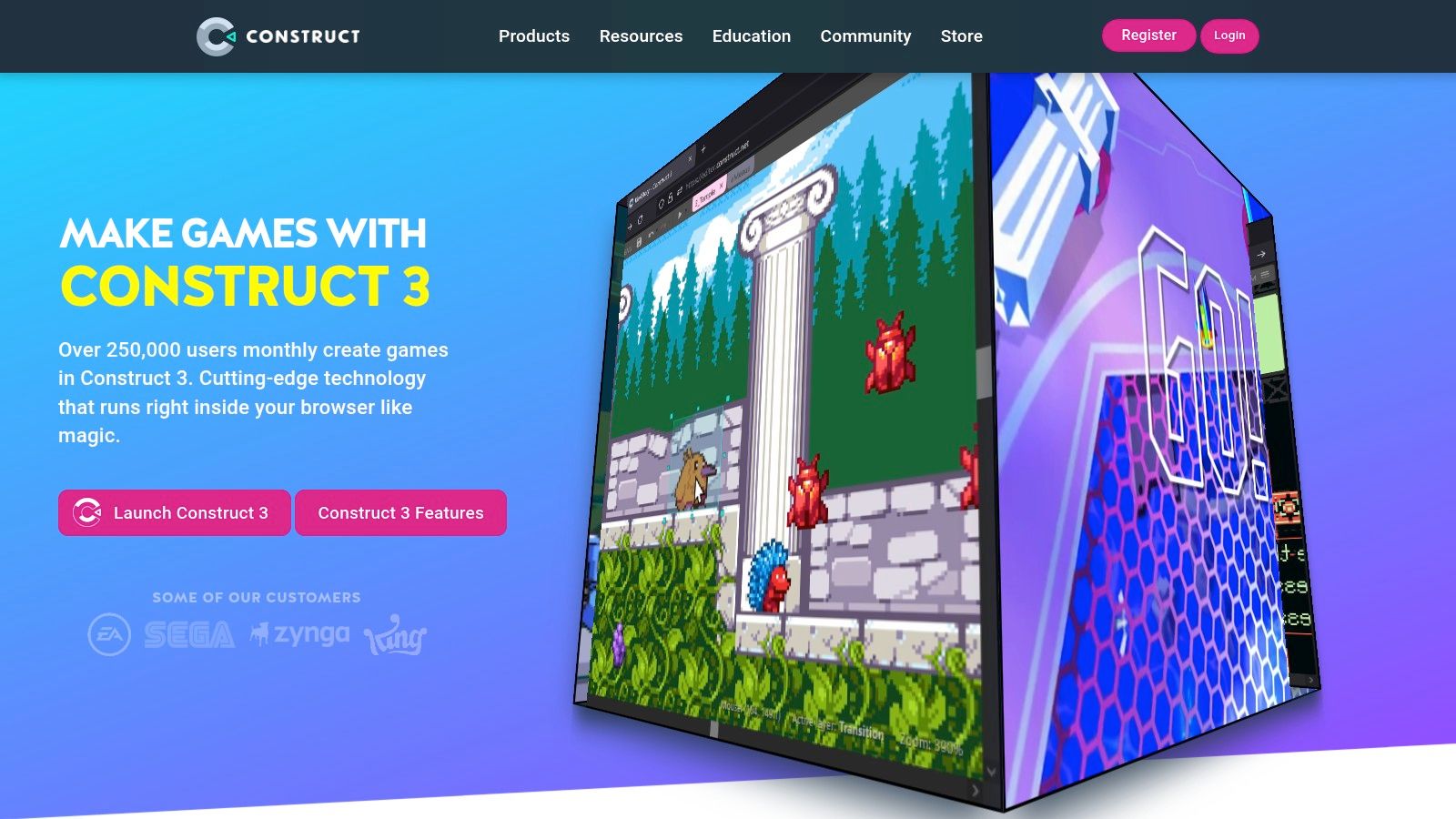
Start with Construct 3 if programming syntax is the obstacle between you and a playable idea. Its browser-based editor uses event sheets to express conditions and actions visually. You can build interactions such as collecting a key, opening a door, or switching enemy behavior without first learning a conventional scripting language.
Construct 3 also supports JavaScript when visual events aren't enough. Browser editing makes it convenient to work across machines, while local project saving lets you keep project files under your own backup process. Don't confuse convenient access with automatic project organization, though.
- Features: Visual event logic, optional JavaScript, browser editing, and a workflow centered on 2D games.
- Licensing: A limited free edition lets you try the editor. Full-featured plans are subscription-based, with royalty-free game creation under the applicable plan terms.
- Limits: The free edition restricts areas such as events, layers, and effects. Check the plan you'll use, not just whether the editor opens for free.
When Visual Logic Stops Saving Time
Event sheets still require software design. Keep reusable behavior separate from level-specific triggers, give variables meaningful names, and avoid copying the same combat rules into every scene.
Construct becomes a poor fit when your team wants most gameplay maintained as conventional source code, or when substantial 3D functionality is a core requirement. Its limited 3D features shouldn't be the foundation for a project that is really a 3D game.
For a beginner, test whether you can understand your event sheet after leaving it alone and returning later. Fast initial assembly matters, but readable logic matters more once you're fixing interactions between checkpoints, inventory, enemy states, and scene changes.
5. GDevelop
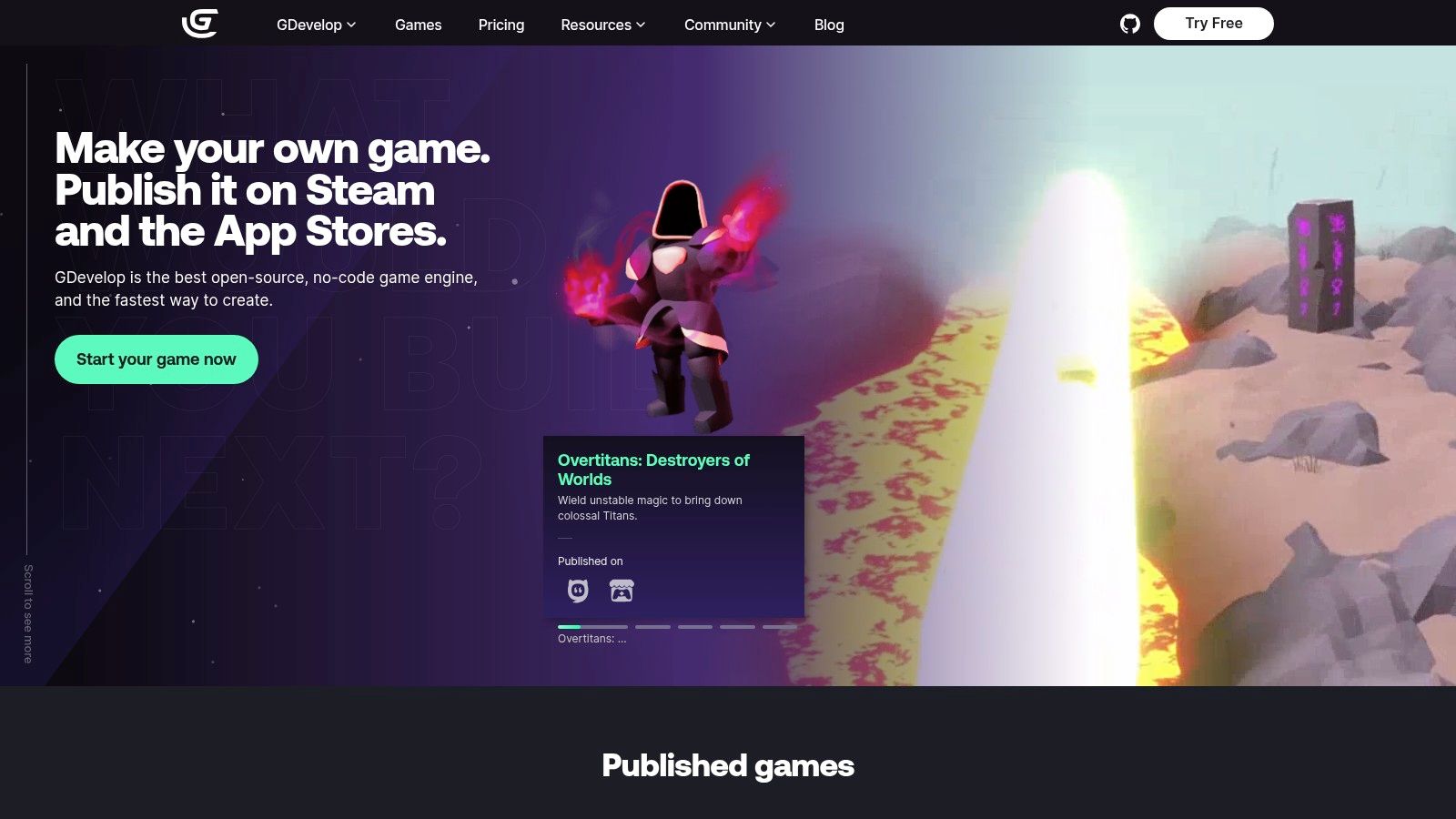
A student or hobbyist doesn't necessarily need to choose between visual development and an open-source editor. GDevelop provides both, combining visual events with prebuilt behaviors for common mechanics such as platform movement and pathfinding. Optional coding gives you another route when a behavior needs customization.
The practical advantage is starting with a working mechanic and adjusting it. You can test whether movement feels good before implementing a controller from scratch, then use events to connect movement with hazards, collectibles, and level progression.
Free Editor, Optional Service Costs
GDevelop's engine and editor are MIT-licensed. Optional paid plans expand cloud services and publishing allowances, so distinguish the software license from the convenience services around it.
Before committing, inspect the online build and publishing limits for your intended workflow. A free editor doesn't mean every hosted build, storage feature, or publishing service is unlimited.
- Best fit: Beginners, educators, and small visual-first projects that benefit from reusable behaviors.
- Useful flexibility: Desktop, mobile, and web publishing options, with plan-dependent limits for online services.
- Poor fit: Developers who want a code-first environment or whose project requires extensive custom systems that are awkward to maintain as visual events.
GDevelop includes both 2D and 3D objects, but choose it for the workflow you'll use. A 2D-to-3D asset workflow can help explore a hybrid visual style; it won't remove the need to test materials, collision, and presentation in the engine.
For your trial project, customize a prebuilt behavior rather than merely accepting its defaults. That reveals how much control you have when your game's movement or interactions stop resembling the template.
6. Phaser
Phaser is the specialist choice for a web-first team that already writes JavaScript or TypeScript. It's a framework rather than an all-in-one scene editor, so expect to work in a coding environment and assemble your own asset pipeline. That's a benefit when the game must fit into an existing website, not necessarily when a beginner wants to arrange a level visually.
Phaser provides scenes, cameras, input, animation, audio, physics, and WebGL or Canvas rendering. Its free, open-source licensing avoids an engine subscription, but you still pay in engineering time for tooling, deployment, and maintenance.
Judge the Delivered Browser Game
The Cinevva 2D engine guide identifies Phaser as JavaScript-native and highlights web deployment constraints that broad engine rankings often overlook. For a browser game, integration and loading behavior can matter more than editor convenience.
Test on the devices and browsers your players will use. Measure initial download, time until input works, memory behavior, touch controls, audio activation, and what happens when a player backgrounds the tab.
For web-first development, an export button isn't the finish line. The game needs to load, accept input, and recover reliably inside its actual host page.
Phaser becomes a poor fit when your team needs no-code development, an integrated visual level editor, or straightforward native and console publishing. Third-party packaging can support some desktop and mobile contexts, but it adds another layer to test and maintain.
Choose it when web integration is part of the product itself. For example, a game embedded beside account controls, analytics, and site navigation may benefit more from a JavaScript-native workflow than from a larger editor's unrelated features.
7. Defold
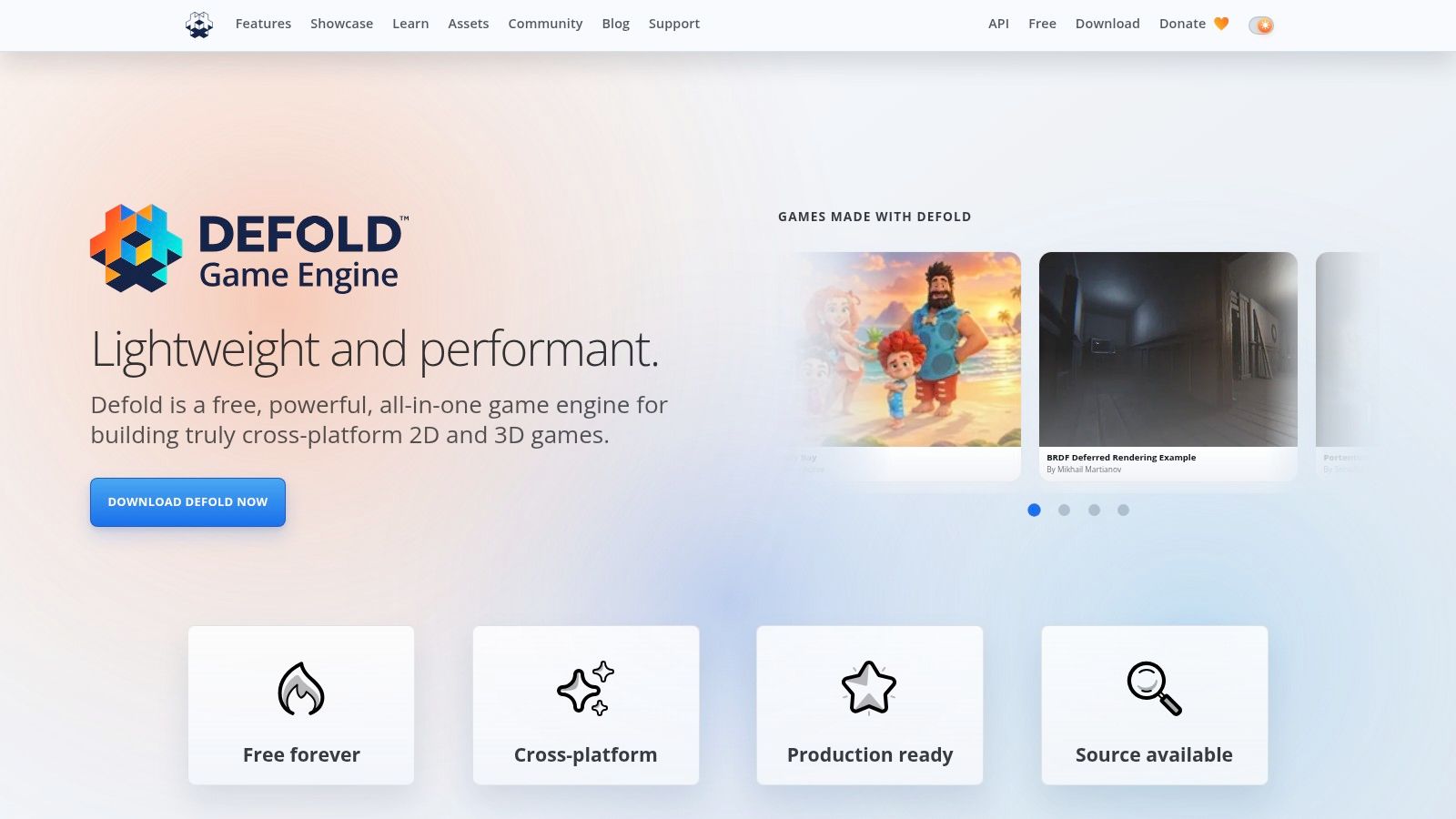
Defold fits developers who want an integrated editor without giving up a lightweight, code-driven workflow. It combines Lua scripting with scene, tilemap, UI, and particle tools, plus a debugger and profiler. Unlike Phaser, you aren't starting with a framework and building the surrounding editor workflow yourself.
Defold is free to use with no licensing fees or royalties. It uses its own license, so don't assume that free use makes its terms identical to Godot's MIT license. Review the applicable conditions if modifying or redistributing engine code matters to your business.
Validate the Workflow Before the Footprint
Defold's small engine footprint makes it worth evaluating for web and mobile projects. Don't turn that into a promised download size, though: textures, audio, fonts, extensions, and your loading strategy all affect what players receive.
- Integrated tools: Use the profiler and debugger during the prototype, not only after performance problems appear.
- Customization: Lua handles gameplay, while native extensions provide a route for platform-specific functionality.
- Publishing: Web, mobile, desktop, and supported console targets require their own validation; console access still involves platform requirements.
Defold becomes a poor fit when the team won't adopt Lua or depends on a ready-made integration that hasn't been verified. Its workflow can also feel unfamiliar to developers expecting Unity-style components or Godot's scene conventions.
Build a representative UI screen and an asset-loading transition before choosing it. A clean movement demo won't tell you whether the team likes handling menus, changing collections, managing resources, and debugging platform-specific behavior.
I'd shortlist Defold for a focused 2D game with strict deployment constraints and developers comfortable owning the code. I'd choose another tool if visual scripting were a requirement.
How the Seven Best Game Engines for 2D Compare on License, Language, and Best Use
| Engine | License and Cost | Scripting Language | Best For |
|---|---|---|---|
| Godot | Free and open source under MIT; no engine royalties | GDScript, C#, C++ extensions | Indie developers seeking integrated 2D tools and flexibility to expand into 3D |
| Unity | Licensing and plan requirements vary | C# | Cross-platform projects combining 2D and 3D |
| GameMaker | Free for non-commercial use; one-time Professional purchase for commercial exports; Enterprise required for console exports | GML | Solo developers and small teams focused on 2D games |
| Construct 3 | Free edition available; full-featured plans require a subscription | Visual event sheets; optional JavaScript | Beginners and rapid 2D prototyping in a browser |
| GDevelop | Free, MIT-licensed engine; optional paid plans for cloud services and expanded publishing | Visual events; optional coding | Beginners, hobbyists, and educators seeking a no-code workflow |
| Phaser | Free and open source | JavaScript or TypeScript | Browser games and other web-based game experiences |
| Defold | Free to use with no licensing fees or royalties | Lua; native extensions | Developers seeking a lightweight engine for multiple platforms |
Match the Engine to Your Project and Start Prototyping This Week
Choose the engine whose everyday workflow matches your team, not the one with the most impressive demonstration. You'll spend more time adjusting collisions, repairing asset imports, and testing exports than admiring the editor's feature list. The right choice makes those repeated tasks manageable.
For a solo beginner, Construct 3 or GDevelop removes much of the syntax barrier. GameMaker suits someone who wants focused 2D production and is comfortable learning its scripting model. Godot is a strong starting point when integrated tools, source access, and avoiding engine royalties matter together.
- Web-first studio: Start with Phaser if JavaScript integration is central. Evaluate Defold if you want an integrated editor and a lightweight runtime.
- Royalty-sensitive indie: Shortlist Godot and Defold, then compare their workflows and license terms against your actual requirements.
- Multi-platform team: Evaluate Unity when middleware, experienced collaborators, and mixed 2D/3D production justify the additional setup.
- Visual-first creator: Compare Construct 3 and GDevelop using customized mechanics, not only built-in examples.
Separate license cost from total production cost. Include training, plugins, build services, porting assistance, certification, and maintaining dependencies. Also ask how you'd recover if a required plugin stopped working or your team needed to change engines.
Keep source art outside engine-specific project files, document import settings, and maintain a working build throughout development. These habits won't make migration painless, but they reduce avoidable dependence on undocumented setup.
For the prototype comparison, use identical assets and the same target device. Include movement or another core interaction, animation, collision, a restart path, and an exported build. Record time spent troubleshooting as well as time spent building, because both consume the production schedule.
Pick the two engines that match your constraints and build the same small prototype in each this week: one playable core mechanic and one animated sprite. Compare how long each took, how clearly you can understand the project afterward, and how easily it exported to your target platform. Choose based on that working evidence.
If your 2D game uses rendered sprites or 3D props, Sculpty brings text-to-3D and image-to-3D generation, PBR texturing, remeshing, and rendering into a browser-based studio. Create a test asset, export it for your pipeline, and use the same asset in both engine prototypes to compare import and presentation workflows.